IndexContents
Index
Contents
1
1
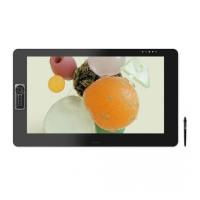
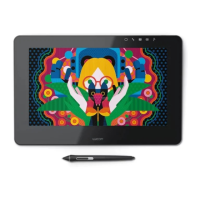
Pen Display
Software User’s Manual
CONTENTS
About the manual 2
Navigating the manual 3
CUSTOMIZING 4
Opening the control panel 4
Control panel overview 5
Control panel settings 6
Calibrating the pen display 7
Customizing the pen 8
Adjusting tip feel and double-click 8
Adjusting eraser feel 9
Advanced tip and eraser pressure settings 10
Customizing pen buttons 11
Button functions 12
Using the pen display with other monitors 17
Using and customizing the Radial Menu 18
Working with Display Toggle 19
Application-specific settings 20
Creating an application-specific setting 21
Changing application-specific settings 22
Removing application-specific settings 22
Installing multiple tablets 22
GLOSSARY 23
INDEX 25

 Need help?

 To Next Page
 General