9
Display Features
Display Functions
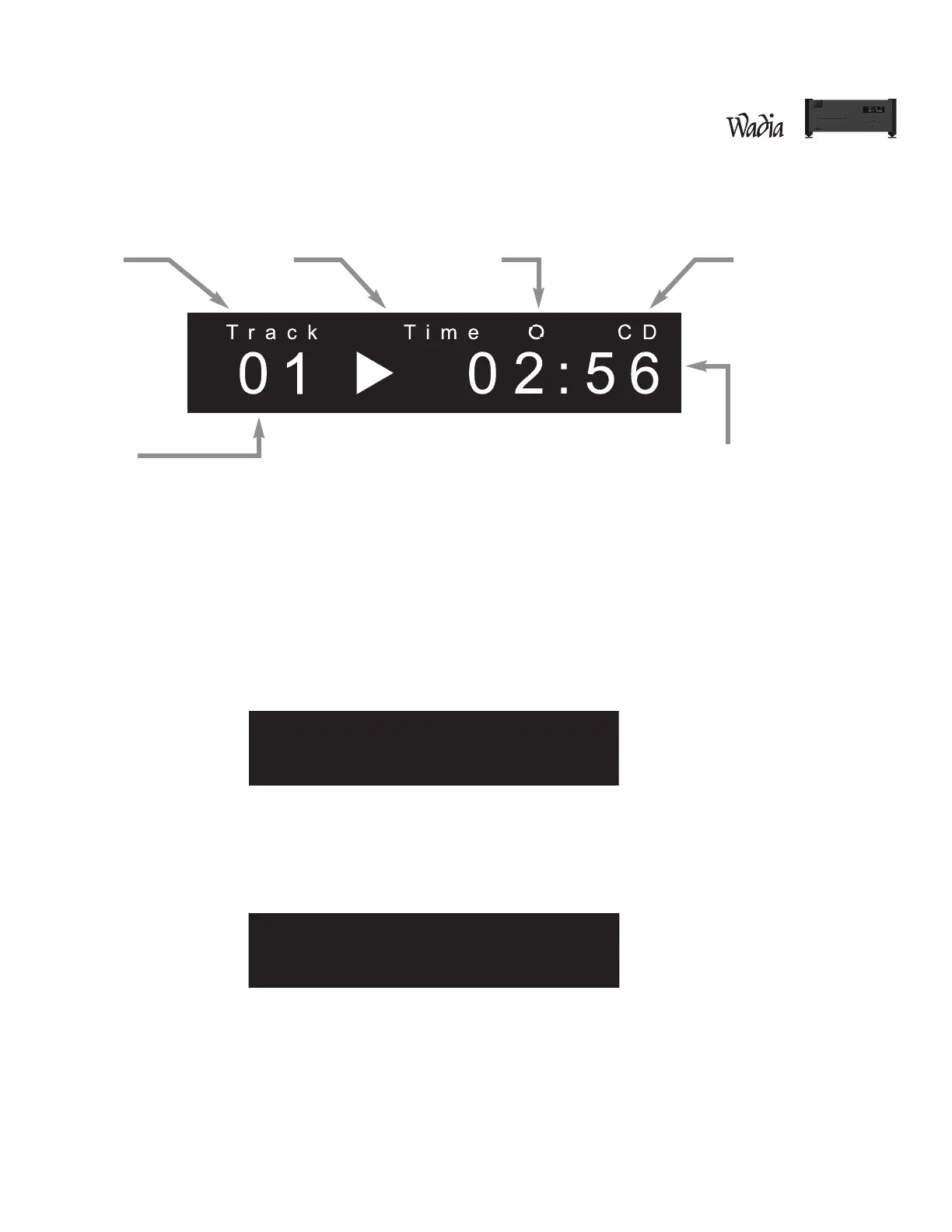
The Wadia S7i Integrated CD Player / Decoding Computer features a large display screen. The top section shows
the status of the transport. The bottom of the display indicates preamp functions, as described below.
Turn-On Screen
This screen is displayed each time the Wadia S7i Integrated CD Player / Decoding Computer is powered-up. After
five seconds, the display will change to the Input screen with internal transport selected, then change again to
the Volume screen with the volume set to Zero.
Input Screen
The Input screen shows which input is currently selected. It also indicates whether ClockLink is engaged and the
sampling frequency. If there is no signal connected to the selected input, the display will read, “No Data.”
Track Time Playback Options Format
Transport FunctionsVolume


 To Next Page