7
EN
Touch Pad Control Panel
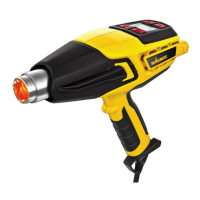
The heat gun gives you a wide temperature range to choose from, depending upon the type of
project. These can be controlled via the Touch Pad Control Panel.
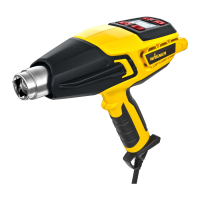
Description
4
2
4
6
7
1
5
3
8
1) Power button: Turns the heat gun ON
and OFF or switches the heat tool into
cool down mode
2) Mode selector: Sets the temperature
range and air ow speed you are using
3) Mode indicator: Low air ow / low
temperature range (See Fig. 5, a)
4) Mode indicator: High air ow / high
temperature range (See Fig. 5, b)
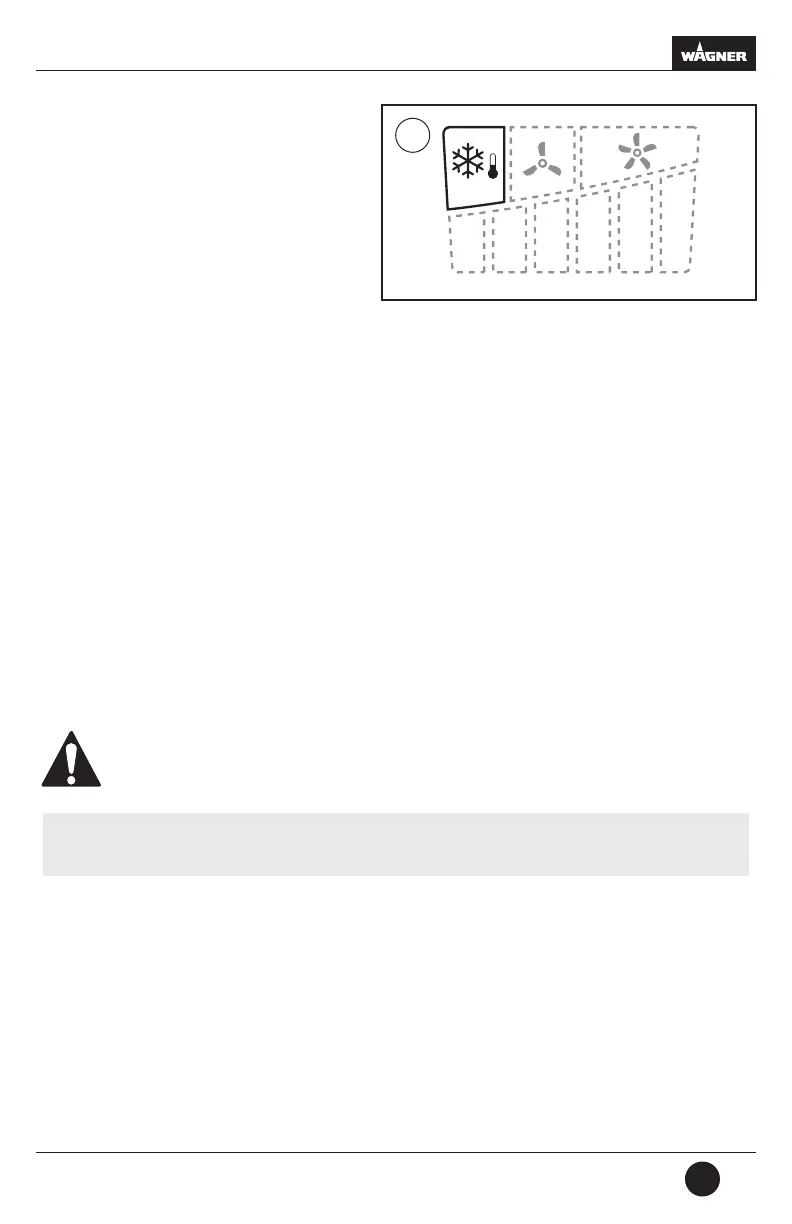
5) Mode indicator: Cool down
6) Temperature indicator: Shows the
current heat output setting (see Fig. 5)
7) Temperature selector: Increases the
temperature (+)
8) Temperature selector: Decreases the
temperature (-)
Temperature Guide LED display
Description
C
F
95º
200º
C
F
205º
400º
C
F
260º
500º
C
F
425º
800º
C
F
540º
1000º
C
F
650º
1200º
C
F
565º
1050º
C
F
510º
950º
C
F
400º
750º
C
F
290º
550º
C
F
175º
350º
C
F
65º
150º
5a
Air ow mode: Low
Temperature range: 150
o
F - 1050
o
F
Cycle temperatures: See Fig. 4, #7 & #8
= Illuminated
= not illuminated
Air ow mode: High
Temperature range: 200
o
F - 1200
o
F
Cycle temperatures: See Fig. 4, #7 & #8
= Illuminated
= not illuminated
C
F
95º
200º
C
F
205º
400º
C
F
260º
500º
C
F
425º
800º
C
F
540º
1000º
C
F
650º
1200º
C
F
565º
1050º
C
F
510º
950º
C
F
400º
750º
C
F
290º
550º
C
F
175º
350º
C
F
65º
150º
5b



 To Next Page