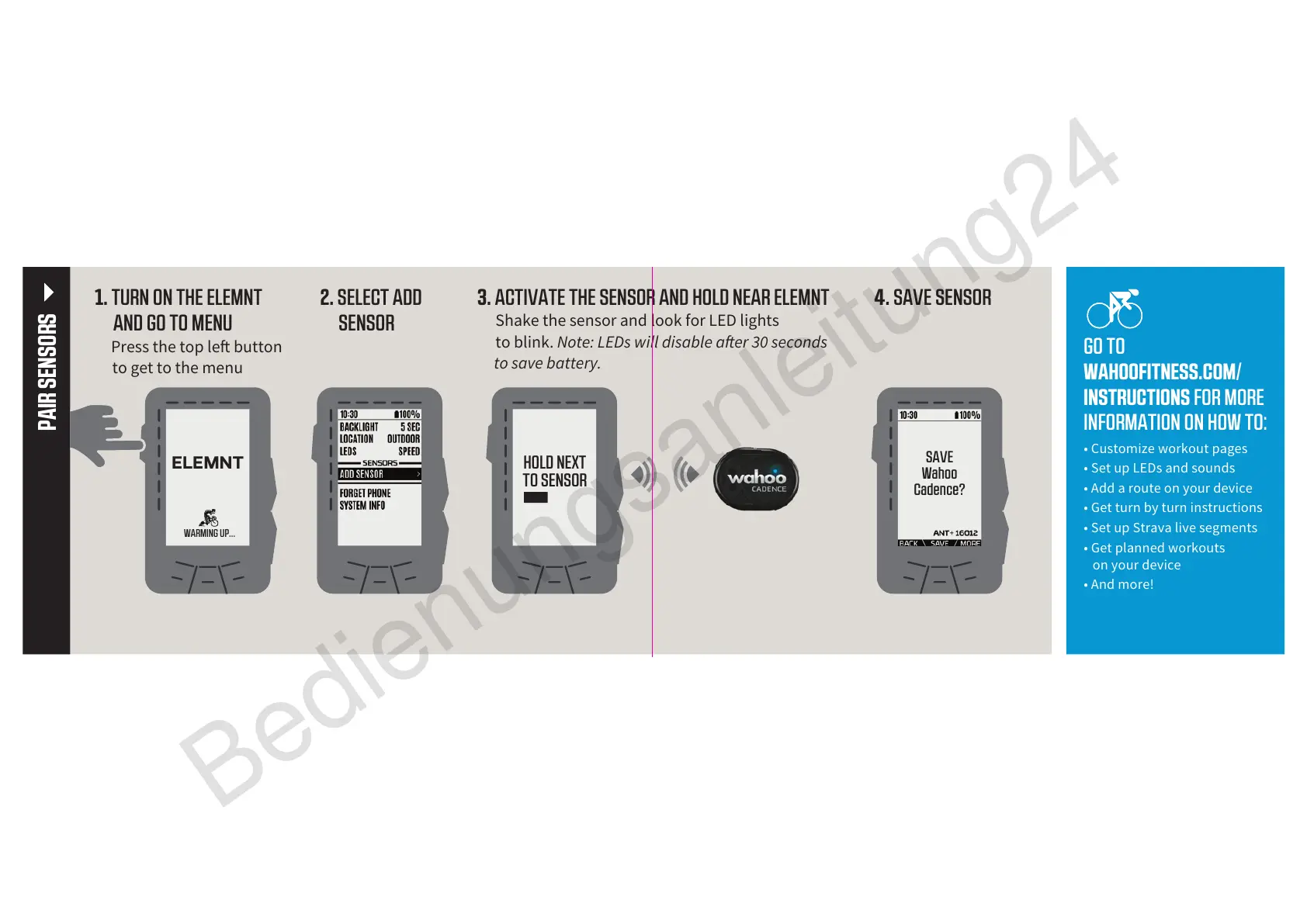
2. SELECT ADD
SENSOR
3. ACTIVATE THE SENSOR AND HOLD NEAR ELEMNT
Shake the sensor and look for LED lights
to blink. Note: LEDs will disable aer 30 seconds
to save battery.
4. SAVE SENSOR
PAIR SENSORS
ELEMNT
WARMING UP...
SAVE
Wahoo
Cadence?
HOLD NEXT
TO SENSOR
GO TO
WAHOOFITNESS.COM/
INSTRUCTIONS FOR MORE
INFORMATION ON HOW TO:
• Customize workout pages
• Set up LEDs and sounds
• Add a route on your device
• Get turn by turn instructions
• Set up Strava live segments
• Get planned workouts
on your device
• And more!
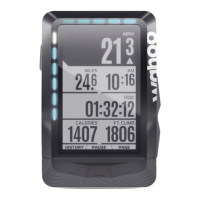
1. TURN ON THE ELEMNT
AND GO TO MENU
Press the top le button
to get to the menu


 To Next Page