Sound Synthesis Basics
99 Blofeld User´s Manual
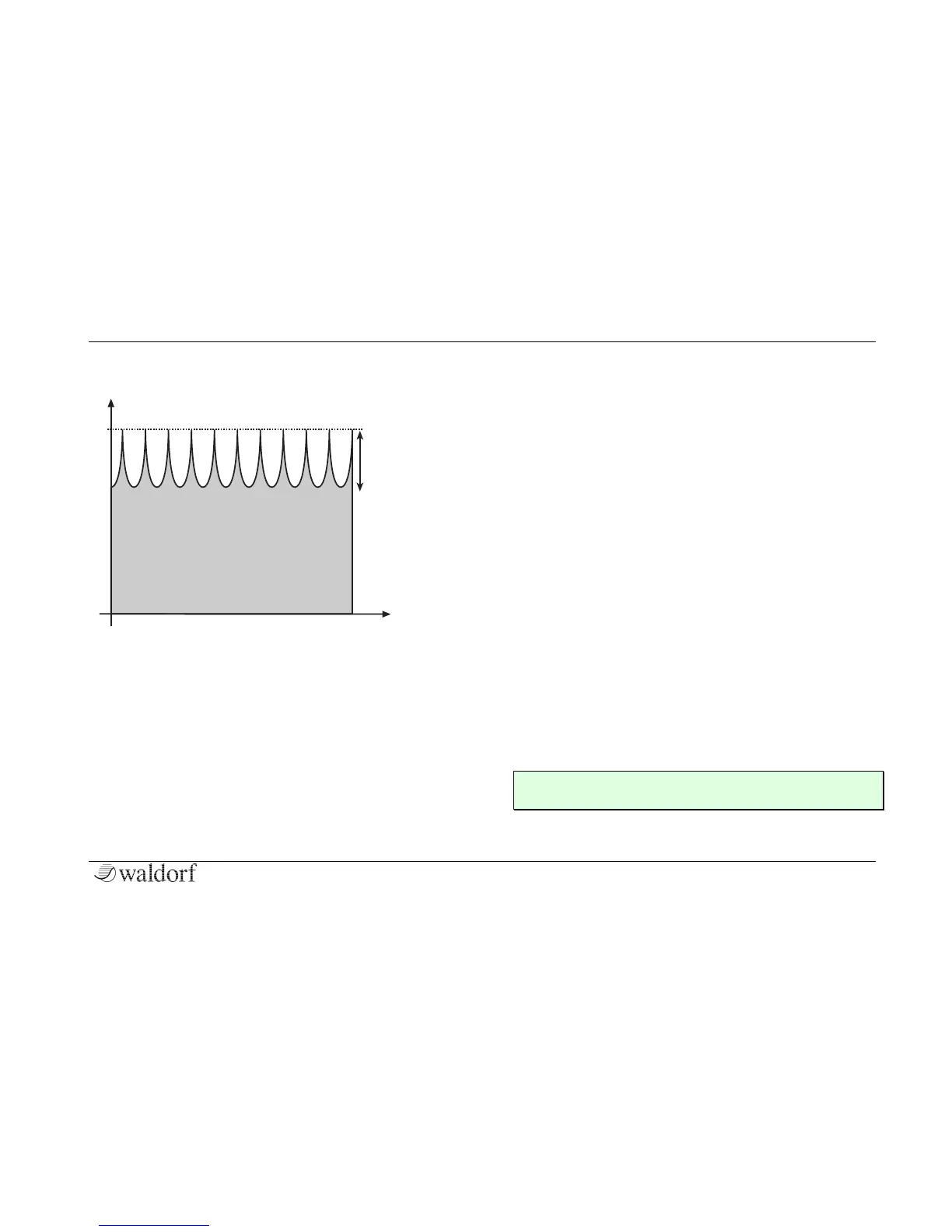
Comb – Filter Type
So, as with all other filter types, the Comb filter is
controlled with two parameters:
• Cutoff controls the delay length.
• Resonance controls the feedback depth.
Now, what sound can a comb filter produce? Here are
some examples:
The Comb filter as a Chorus
This is the most basic way to use the Comb filter. A
Chorus in fact is made of one or several Comb filters, so
this is an easy task to set up manually.
☞ To set up the Comb filter to produce a Chorus:
1. Select the Comb+ filter type for the desired
filter.
2. Set Cutoff to a medium value.
3. Set Resonance, Drive, Filter Keytrack and
any other modulation to 0.
4. Select an LFO as Mod Source.
5. Set Mod to a medium positive or negative
amount.
6. Adjust the LFO to generate a slow triangle
oscillation.
7. Fine tune Cutoff, Mod and LFO Speed until
you get the desired Chorus effect.
✻ You can also use both filters to create a Chorus and
pan them to different stereo positions.



 To Next Page