4
System requirements for the ‘HealthCoach’ app
Bluetooth
®
≥ 4.0, iOS from version 8.0, Android
TM
from version 4.4 with Bluetooth
®
low energy technology.
3. Package Contents
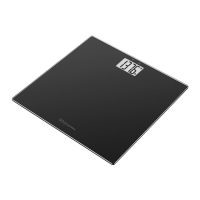
1 x GS 435 Bluetooth
®
Glass Scale
1 x 3V CR 2032 battery
1 x Instruction manual
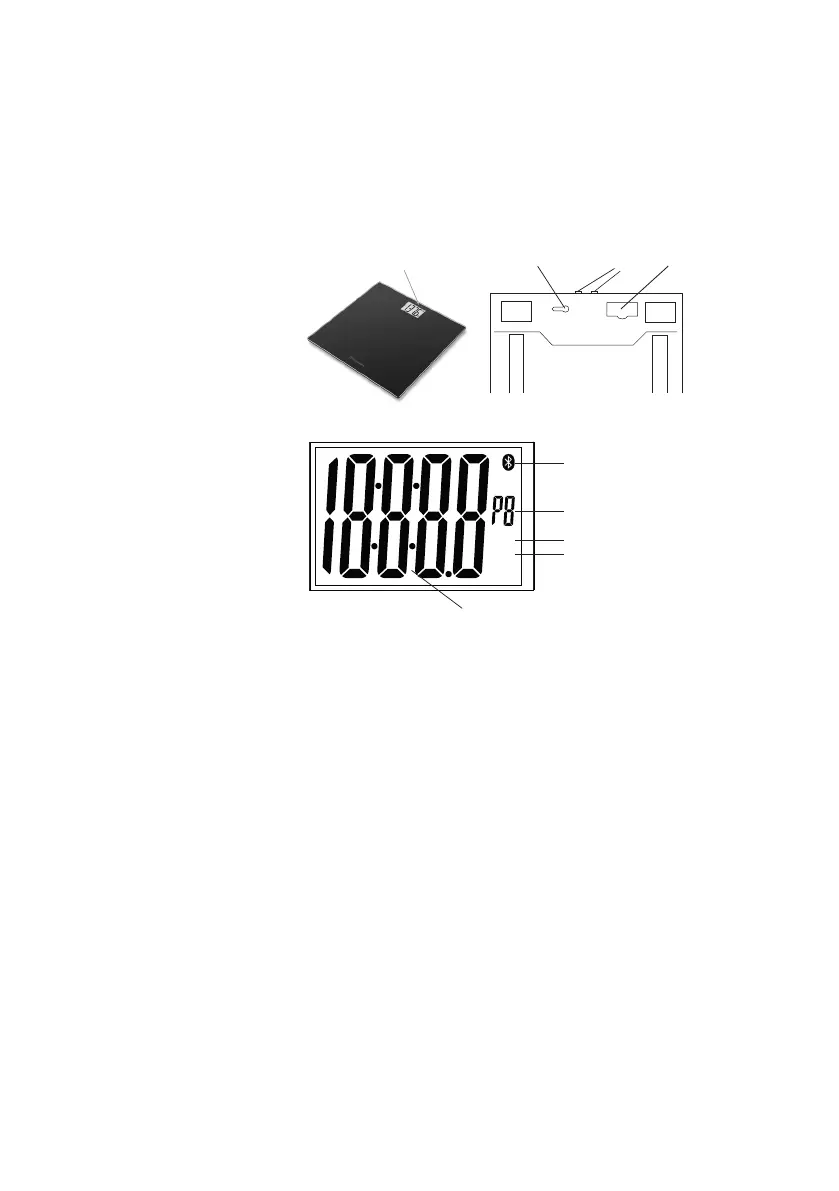
4. Parts and Controls
Front:
1. Display
Top:
2. Up/Down Buttons
Rear:
3. Unit /Reset Button
4. Battery Compartment
2
Display:
5. Bluetooth
®
symbol for connec-
tion between scale and smart-
phone
6. Scale User
7. BMI
8. Body Weight Unit
9. Body Weight
BMI
stlb
kg
PIN
9
6
5
8
7
5. Battery Installation
Remove the Battery Compartment Cover and insert one 3V CR 2032 battery (included) according to the
indicated polarity. If the scale does not func tion, remove the battery and reinsert it, ensuring proper polarity.
Replace Battery Compartment Cover. ”APP” will flash on the display if the scale memory is empty.
6. Initial Set Up for Automatic User Recognition with App
For a correct automatic user recognition, you must save the personal user data on the scale via the app.
The scale has 8 user memories which allow, for example you and your family members to save personal
settings. Place the scale on a hard, even floor; a firm floor covering is required for correct measurement.
• A
ctivate Bluetooth
®
in the smartphone settings. Keep the smartphone close to the scale in order to main-
tain an active Bluetooth
®
connection during initial set up.
• I
nstall “HealthCoach” from Apple App Store or Google Play.
• S
tart the app and follow the instructions in the app to add your scale to the app.
NOTE:
To select the GS 435 in the app, the scale must be on for each synchronization. When the scale is
off, switch on the scale by briefly stepping onto the platform of the scale.
• F
or automatic personal recognition, the first measurement must be assigned to your personal user data.
Follow the app instructions for this. Step onto the scale and ensure that you are standing still with equal
weight distribution and with both legs on the standing surface.


 To Next Page