English - 4 -
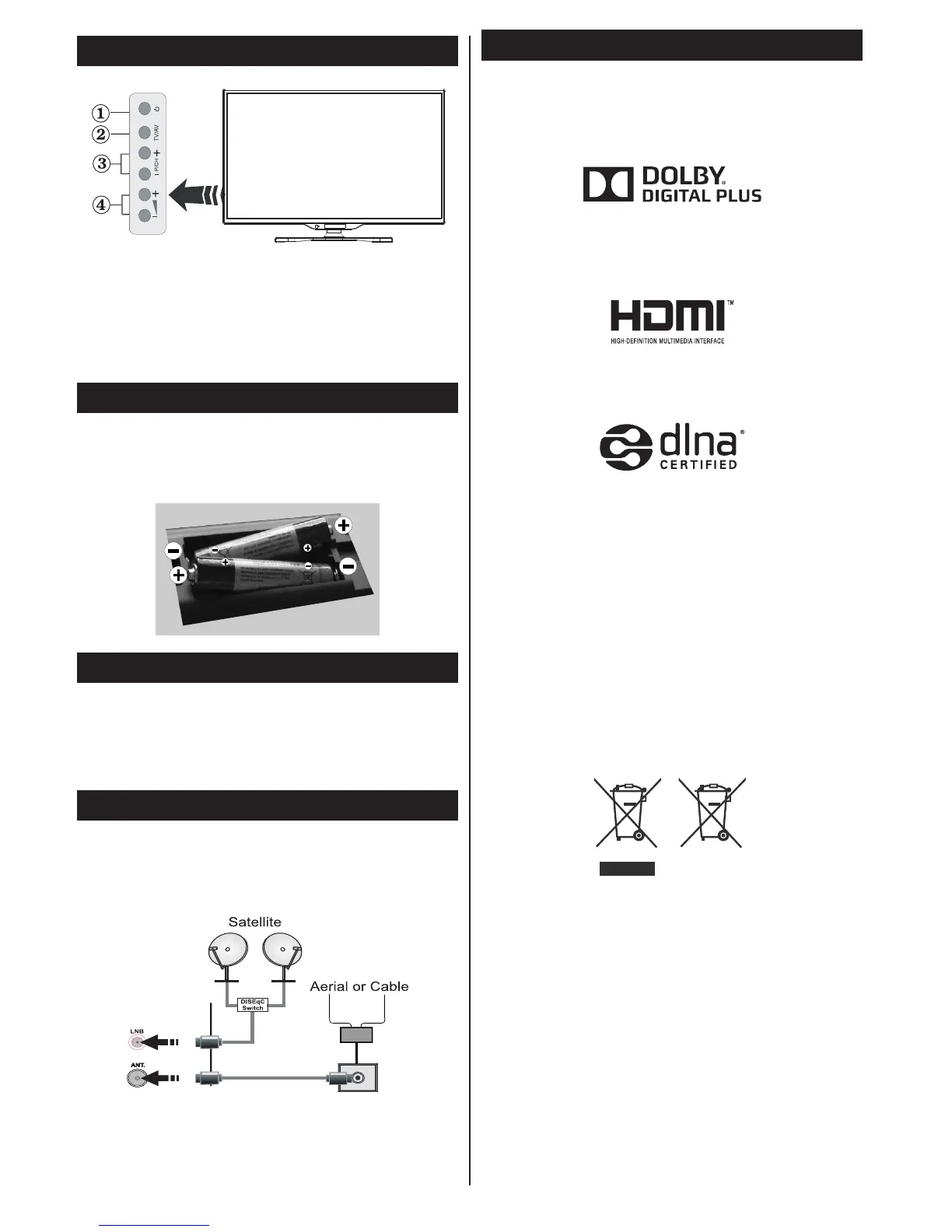
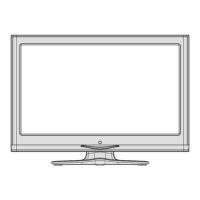
TVControlSwitch&Operation
1. Standby On/Off button
2. TV/AV button
3. Programme Up/Down buttons
4. Volume Up/Down buttons
Inserting the Batteries into the Remote
Lift the cover on the back of the remote gently.
Insert two AAA batteries. Make sure the (+) and
(-) signs match (observe correct polarity). Place the
cover back on.
Connect Power
IMPORTANT: The TV set is designed to operate on
220-240V AC, 50 Hz socket. After unpacking, allow
the TV set to reach the ambient room temperature
before you connect the set to the mains. Plug the
power cable to the mains socket outlet.
Antenna/Cable/Satellite Connection
Connect the aerial or cable TV plug to the AERIAL
INPUT (ANT) socket or satellite plug to the SATELLITE
INPUT (LNB) socket located on the rear bottom side
of the TV.
Notication
TRADEMARK ACKNOWLEDGMENT
Manufactured under license from Dolby Laboratories.
Dolby and the double-D symbol are trademarks of
Dolby Laboratories.
The terms HDMI and High-Definition Multimedia
Interface, and the HDMI Logo are trademarks or
registered trademarks of HDMI Licensing LLC in the
United States and other countries.
DLNA, the DLNA Logo and DLNA CERTIFIED are
trademarks, service marks, or certication marks of
the Digital Living Network Alliance.
YouTube and the YouTube logo are trademarks of
Google Inc.
Information for Users on Disposal of Old
Equipment and Batteries
[European Union only]
These symbols indicate that equipment with these
symbols should not be disposed of as general
household waste. If you want to dispose of the
product or battery, please consider the collection
systems or facilities for appropriate recycling.
Notice: The sign Pb below the symbol for batteries indicates
that this battery contains lead.
Products
Battery



 To Next Page