24
Configuration
POWER BOOST
Enabling Power Boost
1. Make sure you have the latest version of the myWallbox app
installed on your mobile device. Also make sure you have the
latest software version installed on your Wallbox charger.
2. Enable Bluetooth on your mobile device and connect to
your charger. During each of the following steps, be sure
to remain within range of your Bluetooth signal
(typically no more than 30 feet).
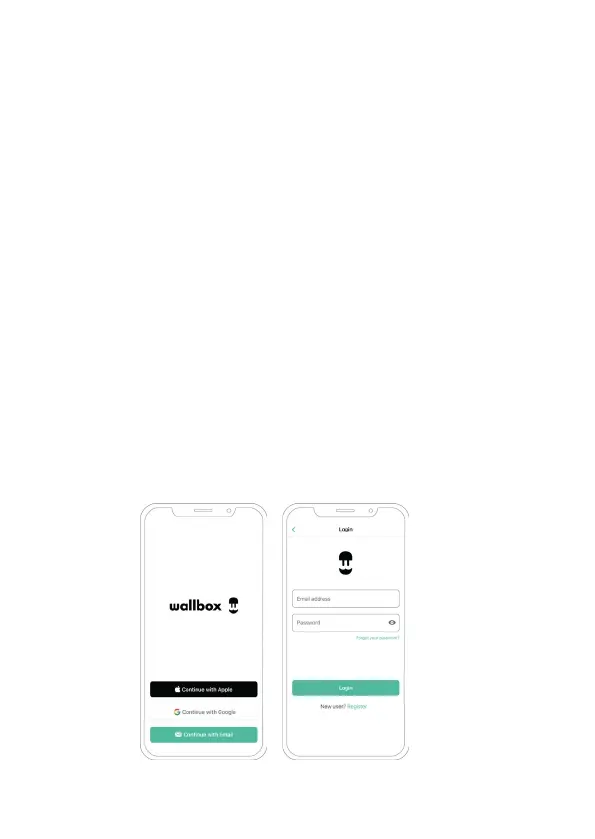
3. If you have not done so previously, follow the directions
on the app to create a new myWallbox account.
Once you have created your account, log into myWallbox
using your account username and password.
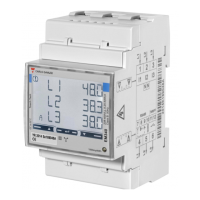
Once you have installed your charger and the smart meter,
follow these steps to enable Power Boost:



 To Next Page