32
GB
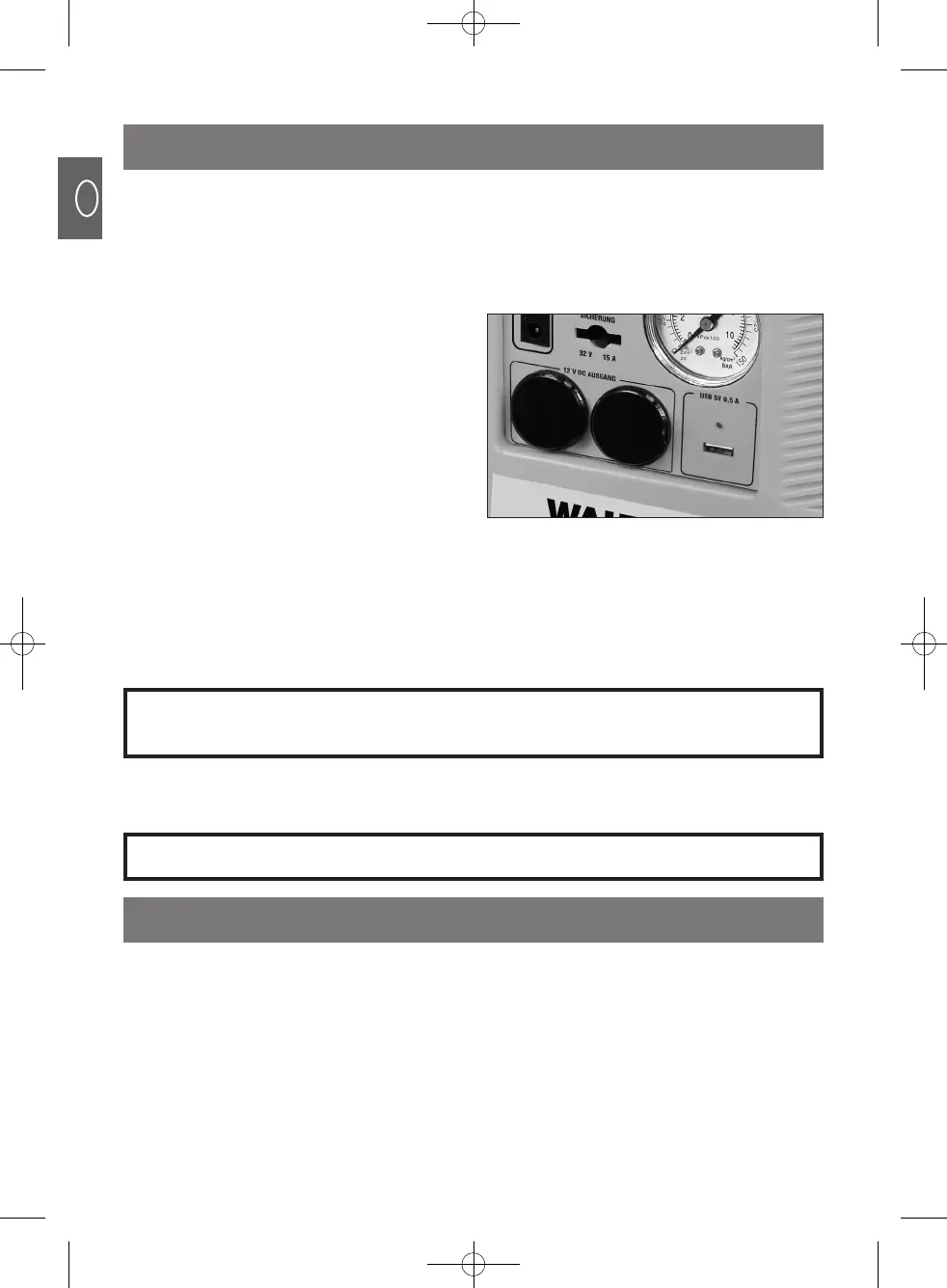
12 V DC SOCKETS & 5 V DC USB SOCKET
MONTHLY CHARGING
The machine is equipped with two 12 V DC cigarette lighter sockets which are suitable for
powering up to two 12 V DC appliances, such as lamps, fans and refrigerators etc.
The machine is also equipped with a 5 V DC 0.5 A USB socket. The USB socket is ideal for
use as a power source for small electronic devices such as cellular phones, MP3 players
and digital cameras.
IMPORTANT:
- Connection cables are not supplied.
- Check that your device’s rated voltage agrees with the socket’s output before you
connect it to the machine.
- Read and follow the instructions provided by the manufacturer of any device you
with to connect to the machine.
To prolong the service life of the built-in lead acid battery, it is vital that you charge the battery
regularly, for best results at least once a month and always immediately after you use the
machine.
1. Switch the light and the compressor on for approximately 5 – 10 minutes.
2. Subsequently switch the machine off and charge it as described above.
- IMPORTANT: Always connect your
device to the socket before switching
the power ON.
- Plug your appliance into one of the 12 V DC
sockets or the 5 V DC USB socket as
shown.
- To turn the 12 V DC sockets ON, put the
‘POWER’ switch in the ON position and the
‘12 V & 5 V DC SOCKETS’ switch in the ON
position.
- To turn the 12 V DC sockets OFF, return the
switches to the OFF position.
MAINTENANCE INSTRUCTIONS
Never completely discharge the battery. Switch the machine off as soon as either
the yellow or red charge status lamp lights up and do not use the machine until you
have recharged the battery.



 To Next Page