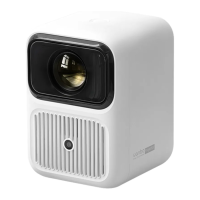
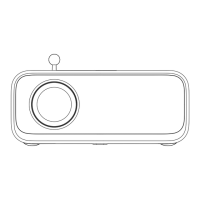
Focus Setting
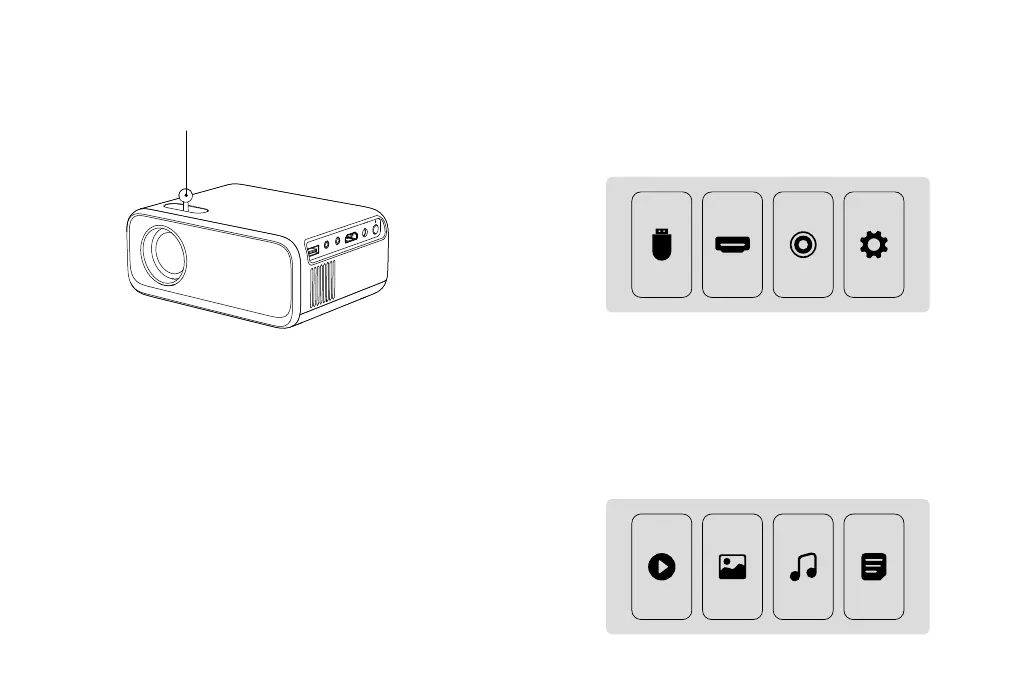
Image focusing
Place the projector lens perpendicularly to the projection screen or curtain wall, and
adjust the focus dial until the image is clear, During the focusing process, you can open
images to help adjustment until it reaches the best effect.
Focus Wheel
How to Select Source
Step 1: Select the source you want in the main interface, such as HDMl, AV, etc.
Step 2: Press OK button on the remote control to enter into the corresponding source
interface.
Note: When the projector is under condition of no signal, please press the source
button on the remote control to select the home page or other source.
How to Play Multimedia
Step 1: Select "USB" in the main interface.
Step 2: After entering the interface, select the files you want.
MEDIA HDMI AV
SETUP
MOVIE PHOTO MUSIC TEXT
9


 To Next Page