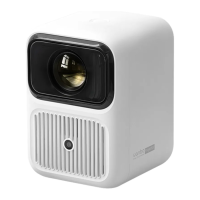
Standard Setting
When installing, place the projector on a solid, stable countertop. Ventilation around
the machine should be good. Do not cover or block the vents. There should be no
obstructions within 30cm of the vents.
Note: Above datas are for reference only, datas will be subject to real measurement.
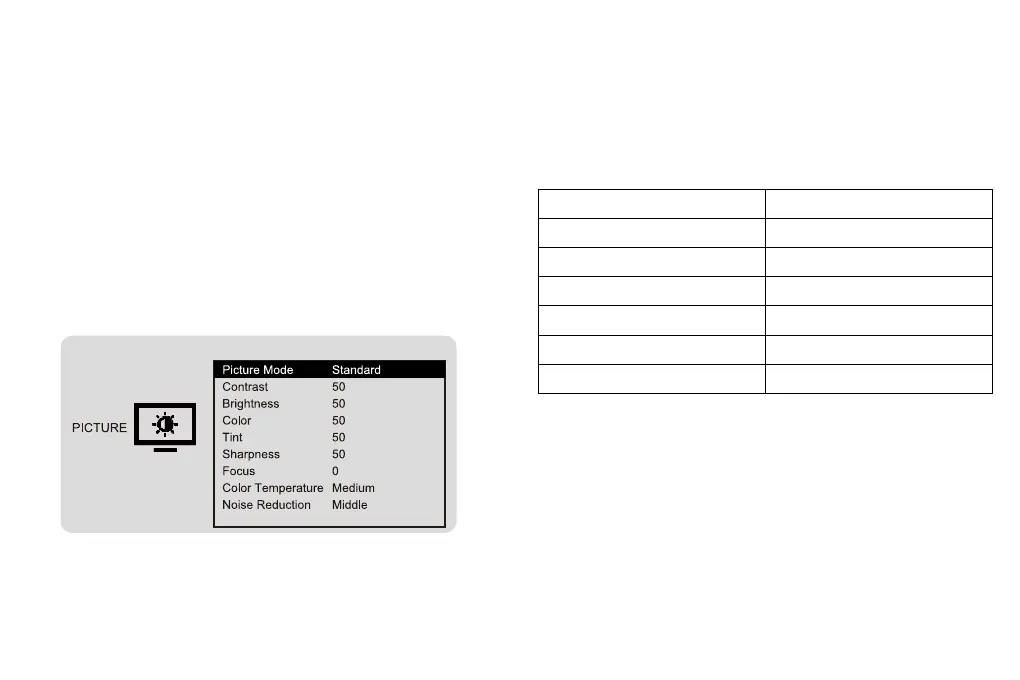
How to Set the Menu
Select Setup in the main interface, Firstly, press left/right keys to select sub-menu,
Secondly, set up the mode you need, finally press OK key to confirm.
Submenu:
PICTURE: Picture Mode / Contrast / Brightness / Color / Tint / Sharpness / Focus / Color
Temperature / Noise Reduction.
SOUND: Sound Mode / Treble / Bass.
OPTION: OSD Language / Aspect Ratio / Projection Mode / Factory Reset / Software
Upgrade / Version.
Aspect ratio
Picture size(inch)
40"
50"
70"
100"
120"
16:9
Projection distance(m)
1.35
1.68
2.27
3.16
3.74
10


 To Next Page