9
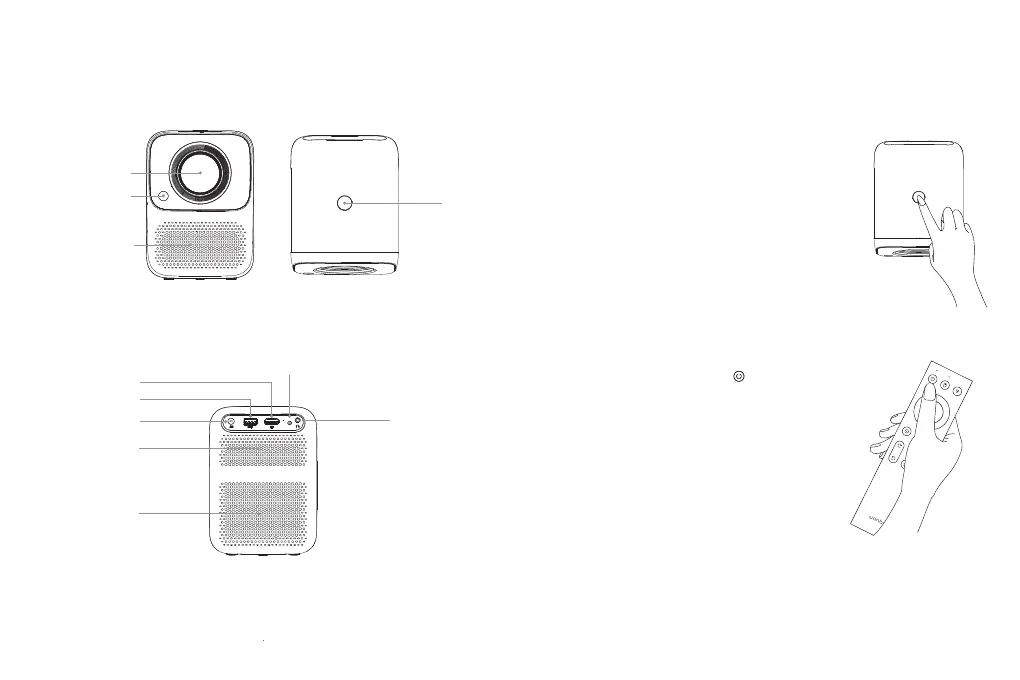
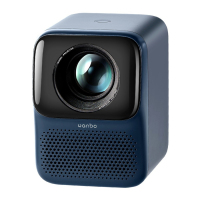
Projector Part Name and Function
Short press the power button or the " " key on the remote control,
once shutdown prompt box appears, short press the power button
or the power key on the remote control again.
Installation and Adjustment
1. Device Power-On and Power-Off
Method 1: Press the power button on the projector to start.
Method 2: Point the remote control to the projector and press
the power key to turn it on.
Power-On
Power-Off
Indicator Light
Headphone Jack
Heat Dissipation Air Inlet
(Do not block)
Power Supply Input
USB Interface
HDMI Input
Lens
OFF/ON
Heat Dissipation Air Outlet
(Do not block)
Horn
Camera


 To Next Page