9
Short press the power button or the " " key on the remote control,
once shutdown prompt box appears, short press the power button
or the power key on the remote control again.
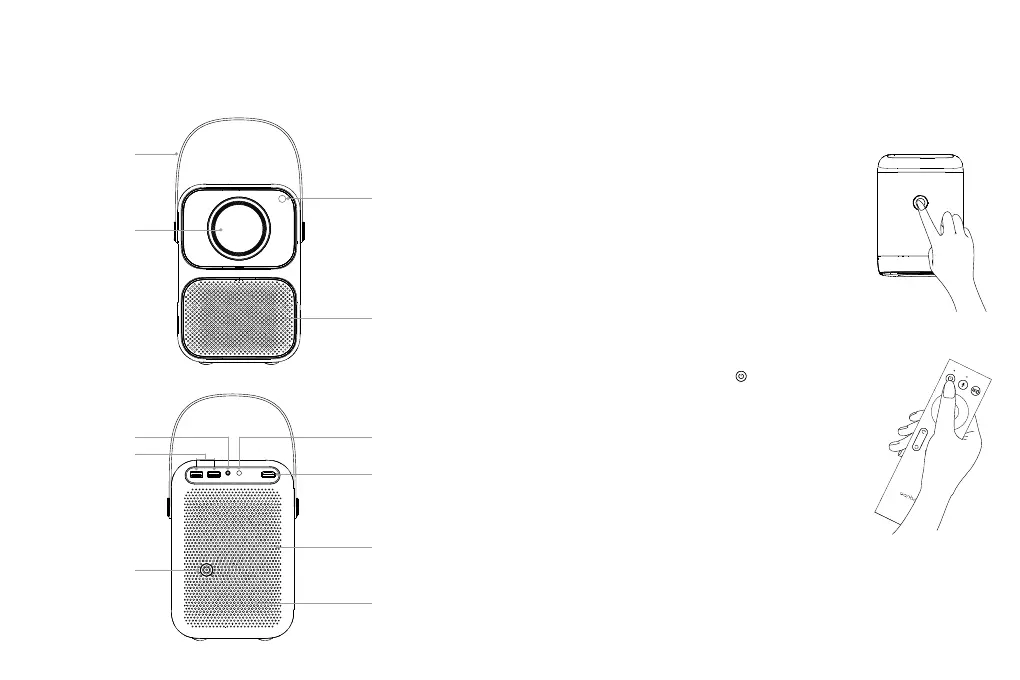
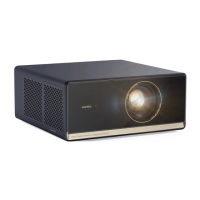
Proprojector Part name and Function
Power Supply Input
USB Interface
Headphone Interface
Lens
Handle
Heat Radiation Outlet
(Do not block)
Remote control Signal
Receiving Window
HDMI Input
Heat Radiation Inlet
(Do not block)
Horn
AV Interface
Installation and Adjustment
1. Device Power-On and Power-Off
Method 1: Press the power button on the projector to start.
Method 2: Point the remote control to the projector and press
the power key to turn it on.
Power-On
Shut Down



 To Next Page