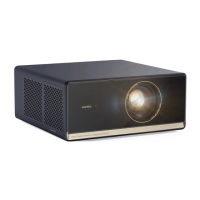
10
Basic Parameters
Product Name
Light Source
Operation Mode
Output Port
Net Weight
Accessory
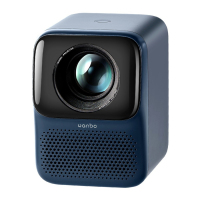
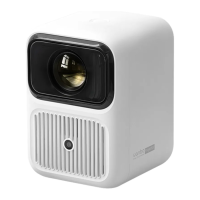
Wanbo Projector
C0B Solid-State LED
Light Source
Remote Control
Headphone Audio Output
1.945kg
User Manual / RemoteControl / Power Cord / Adapter
Display Principle
Horn
Working Environment
Input Port
Machine Size
LCD
Inverted Stereo Box
0-35 ° C
HDMI/USB/AV
137*201*195mm
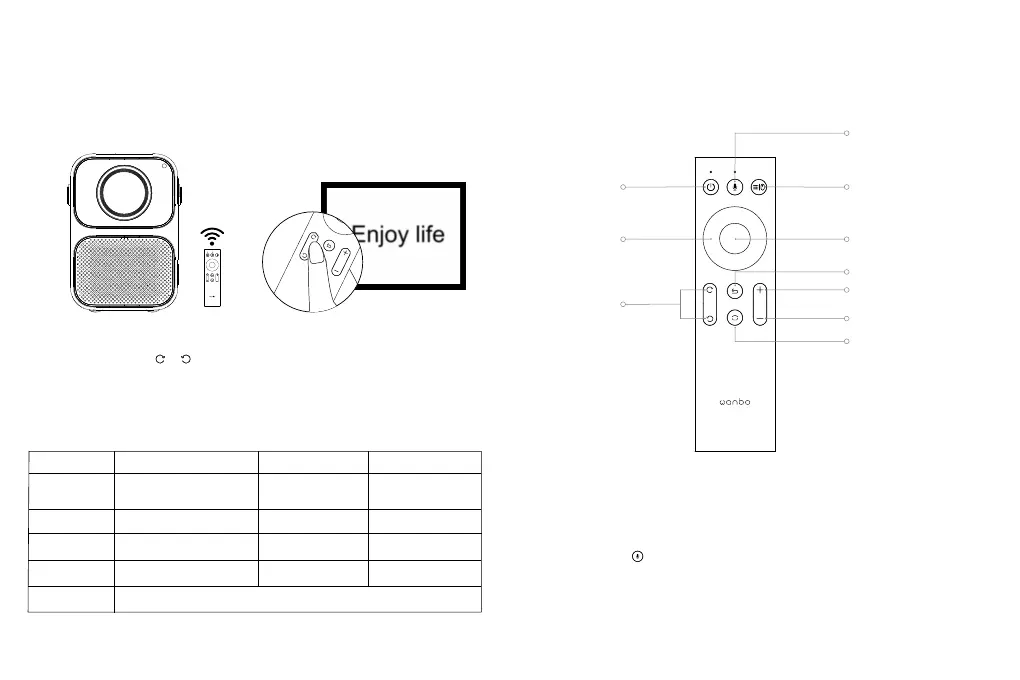
2. Adjusts Focal Length
Schematic diagram of blurred image
Focus Length: When the picture image is blurred (indicated as the right picture), adjust
the lens focus through " " " " on the remote control to achieve the best definition.
Remote Control
Bluetooth pairing is required for the voice remote
for the first time
Press “ ” on the remote control to complete Bluetooth pairing of
the voice remote control according to system prompts
Short press: Menu
Long press: mouse mode
OK
volume+
Volume-
ON/OFF
Arrow Key
Focus Key
Voice Key
Return
Home



 To Next Page