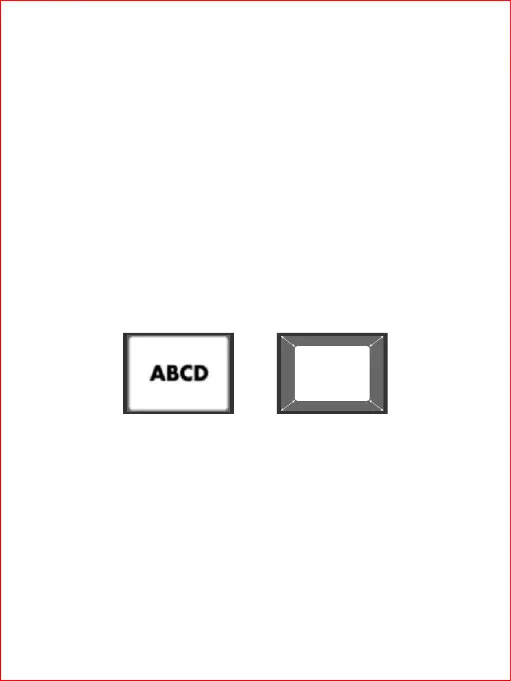
Keystone correction includes keystone,zoom and focus. Please select appropriate option to
adjust in the setting menu with remote control.
1. Keystone Correction: Open [ Settings] on the homepage >[Keystone]>[Four points
keystone], Adjust horizontal and vertical direction value of the four angles. Open [Settings]
on the homepage > [Keystone] > [Auto], Adjust keystone correction automatically.
2. Zoom: Open [Settings] on the homepage >[Zoom], zoom the image to required screen
pictures with remote control.
3. Focus: Open [Settings] on the homepage >[Manual Focus], adjust image with the remote
control to get images as you like. Open [Settings] on the homepage >[Auto Focus], adjust
image focus automatically.
5.Keystone correction
13
Four points keystone Zoom



 To Next Page