CHAPTER 3: TECHNICAL SPECS
3 8
CHAPTER 2: NOW LET’S GET STARTED!
Introduction
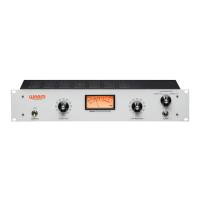
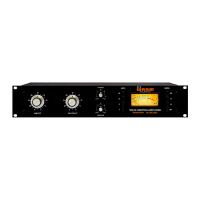
The classic ‘76 style compressor is possibly the most iconic, widely known, and widely used compressor
in history. We have faithfully reproduced the circuitry of the revision D, generally considered one of
the best and most popular among the different versions made over the years. Our goal was to make
a compressor of this pedigree affordable for the first time, without compromising the quality and
design parameters that make this type of compressor so desirable. We’ve used all discrete,
through-hole components, high quality Cinemag input and output transformers, and a class A circuit
that stays true to the legacy design. The WA76 can deliver the same crisp, punchy drum tracks,
vocal tracks, bass tracks, and much more. For those who have worked with the classic gear, the
WA76 delivers the same professional results that experienced engineers have come to expect and to
love. We’ve even made sure that the WA76 can reproduce the legendary ‘All Buttons In’ mode, for
which no ‘76 style compressor would be complete without.
WA76
Recording interface
In this example, the WA76 is being routed as an insert into a recording
device. This is useful for using the WA76 as an “analog plug-in” or
insert for mix-down. The recording device is feeding the WA76 with a
balanced 1/4” cable via a line output. Then, the recording device is
capturing the WA76 via a LINE LEVEL input.
CHAPTER 5: HOOKUP DIAGRAMS
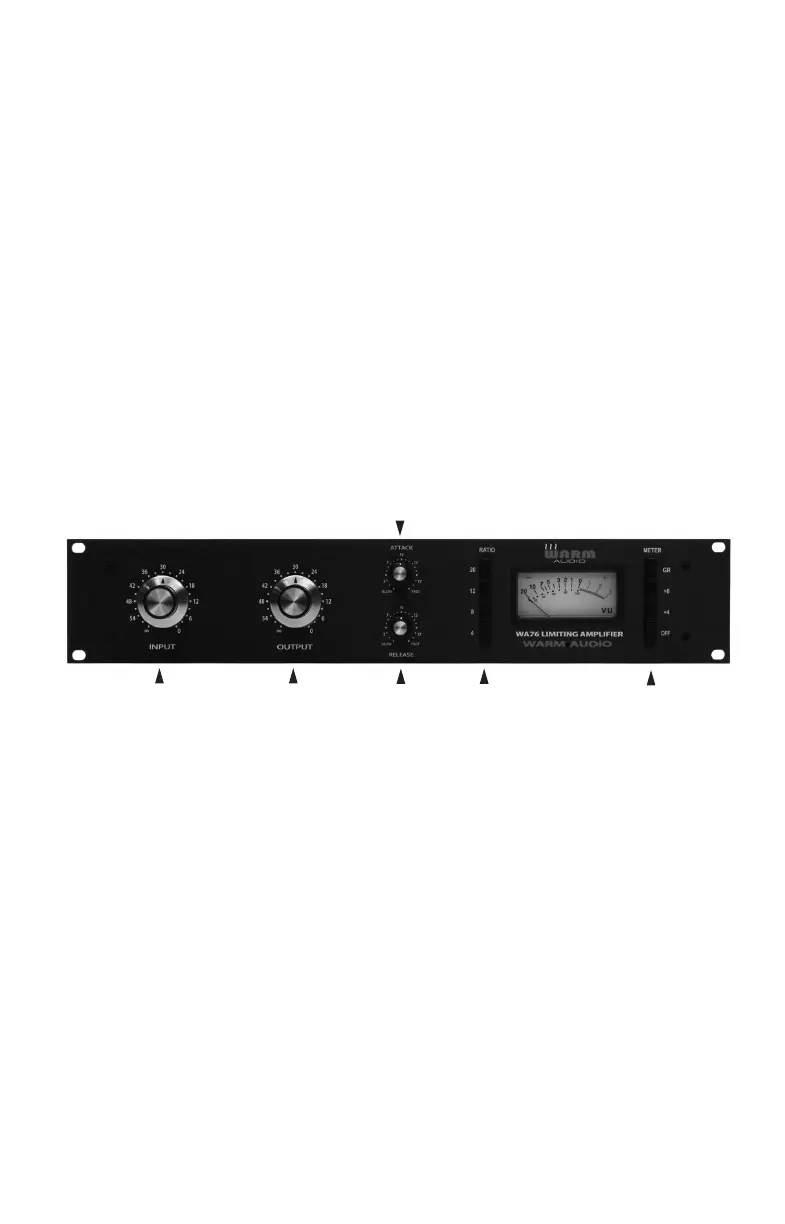
FRONT PANEL
1. Input Knob
This determines the level of the signal entering the WA76, as well as the compression threshold.
Higher settings will result in increased amounts of limiting or compression.
2. Output Knob
This determines the final output level of signal leaving the WA76. Once the desired amount of
limiting or compression is achieved with the use of the Input control, the Output control can be
used to make up any gain lost from the gain reduction.
3. Attack Knob
This sets the amount of time it takes the WA76 to respond to an incoming signal and begin
compressing. Having too fast of an attack time can sometimes cause a recording to sound
less “life-like” or “open.” The WA76 attack time is adjustable from 20 microseconds to
800 microseconds. Even set to it’s slowest attack, the WA76 will have a faster attack than
some other types of compressors, such as optical and variable mu.
1
2
3
4
5
6


 To Next Page