Contact:lanyue Email:lanyue@cantonmade.com Whatsapp:+86 13602420401
Transmitter operating interface:
1.Boot logo and system load
2.The main screen and enter the Settings
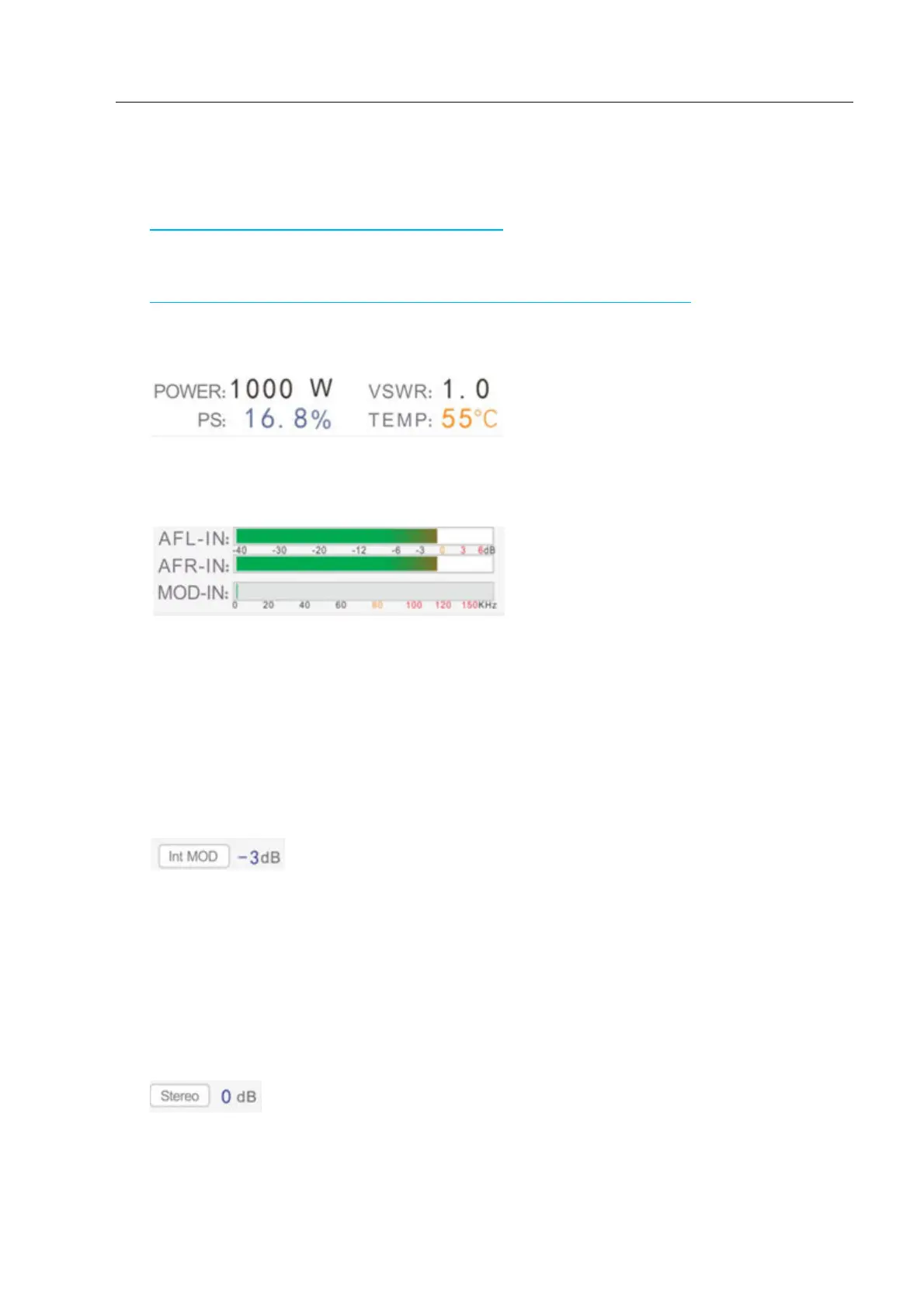
Current Frequency /Current
Power / Current SWR /Driving power tuning ratio Core temperature
Around a track the level of UV indicator 0,
0 db is full load.Please input signal does not exceed 0 db so as not to affect the audio
quality. But close to Odb or small audio sound.
External modulation:
External AUX input signal level indicator,Please do not enter the
margin level of more than 75 KHZ.
Modulation mode:
according to the external or internal and external modulation, the
external modulation input is enabled, the right of the level value - 3 db.Such as
display internal modulation, external input is disabled, the right of the level value - 3
db is invalid.
Sound mode:
stereo, mono, mute3 Kinds, 0 db on the right for voice level then mute
and external modulation invalid.



 To Next Page