User manual
13
3.2 How to start the machine
Select program:
Automatic programs
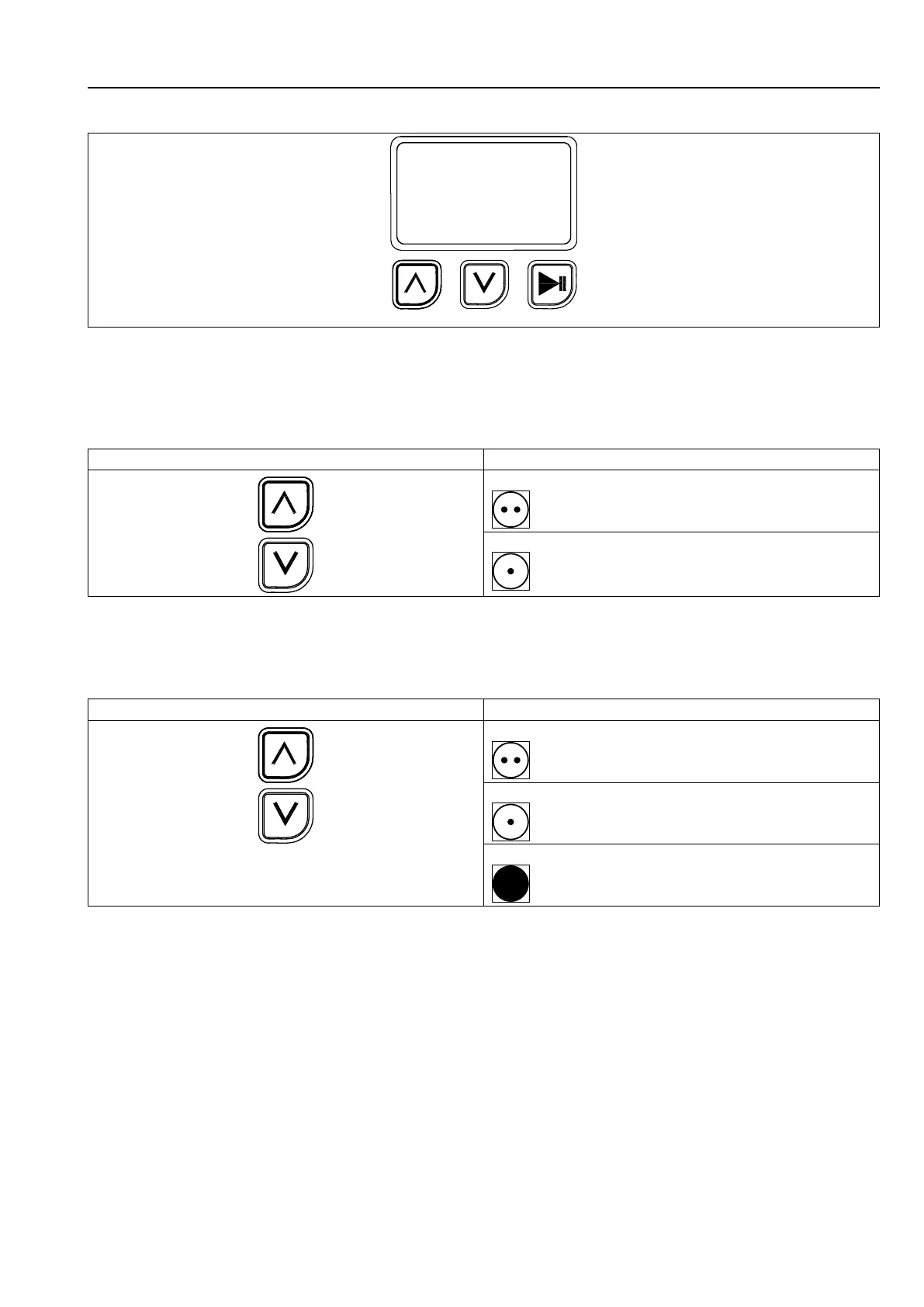
Select program by pressing the up and down buttons.
Button Example of programs
NORMAL
LOW
Start the machine by pressing the start button.
Time programs
Select program by pressing the up and down buttons.
Button Example of programs
NORMAL
LOW
NO HEATING
Start the machine by pressing the start button.
After start it is possible to change the time for the selected program. Push the up and down buttons to set the desired
time.
Coin operated machine
Insert correct amount of coins to start the machine and/or press the start button.
After start it is possible to add time for the selected program. Insert more coins to add time.



 To Next Page