3
Chapter 3
Installation
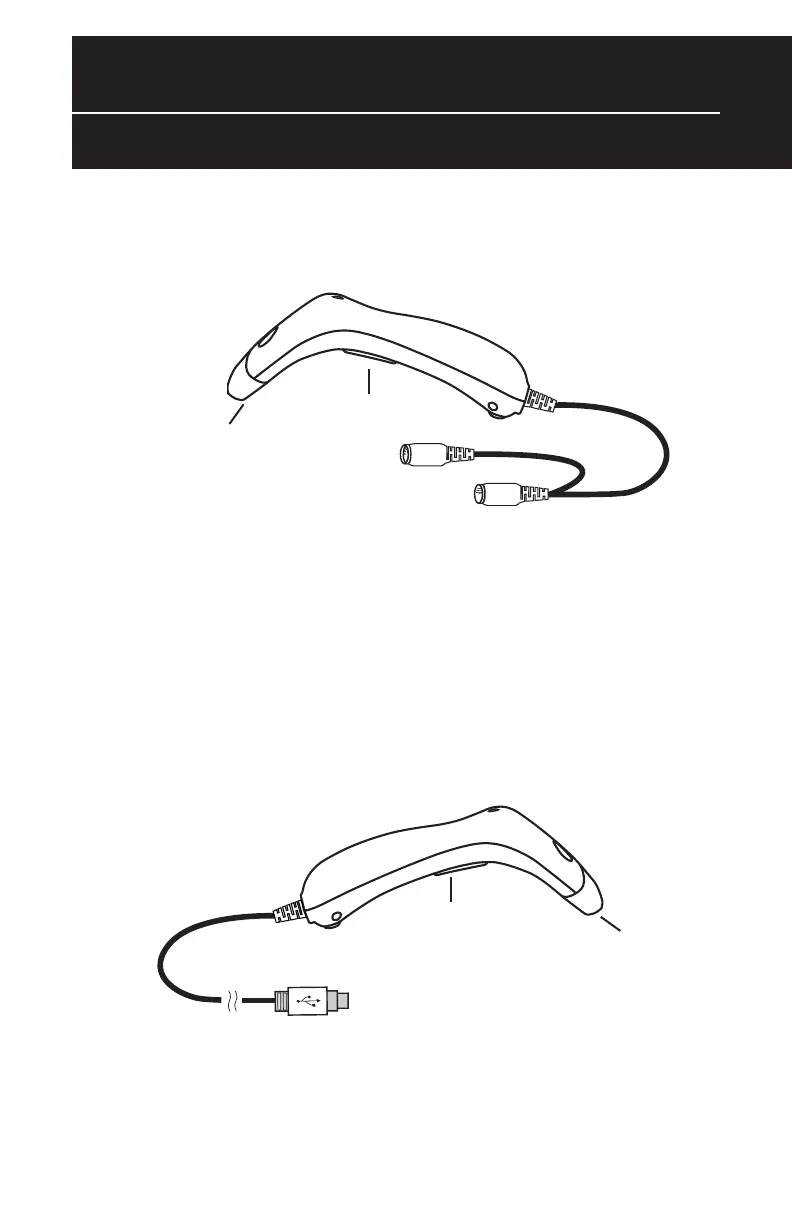
Trigger
Trigger
Scanning Aperture
Scanning Aperture
Din-6M
Din-6F
USB
P
or
t
WCS 3905 USB
Scanner
WCS 3900 PS2
Scanner
1.
Plug the USB of the
WCR
3900 / 3905 Scanner directly into y
our PC’
s
USB port.
1. Turn off your computer.
2. Unplug your PC keyboard cable and plug the male end (Din 6) of the WCS
3900 / 3905 Scanner directly into your PC keyboard port. Plug your
keyboard cable into the other end (female Din 6) of the the scanner.
3. Turn your computer on.



 To Next Page