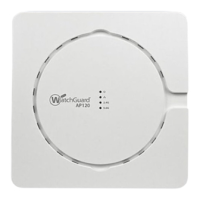
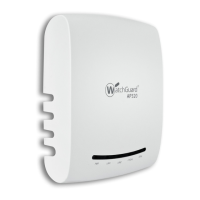
WatchGuard AP125 Hardware Guide
Environmental Requirements
To safely install your WatchGuard AP, we recommend that you:
n Install the device indoors.
n Make sure the device has adequate clearance for air flow and cooling.
n Connect it to a surge-protected power supply to prevent damage from sudden power changes
Other environmental requirements:
Operating Temperature
0°C to 45°C (32°F to 113°F)
Operating Humidity 0% to 95% non-condensing
Non-operating Temperature -20°C to 65°C (-4°F to 149°F)
Non-operating Humidity 5% to 95%, non-condensing
WatchGuard Technologies, Inc. 3


 To Next Page