2 3
ACTIVATE YOUR AP
1. Go to www.watchguard.com/activate
2. Log in to your WatchGuard account, or create a new account*.
*If you create a new account, return to www.watchguard.com/activate after you finish the
account creation process.
3. Type the serial number for your device.
SELECT YOUR AP MANAGEMENT METHOD
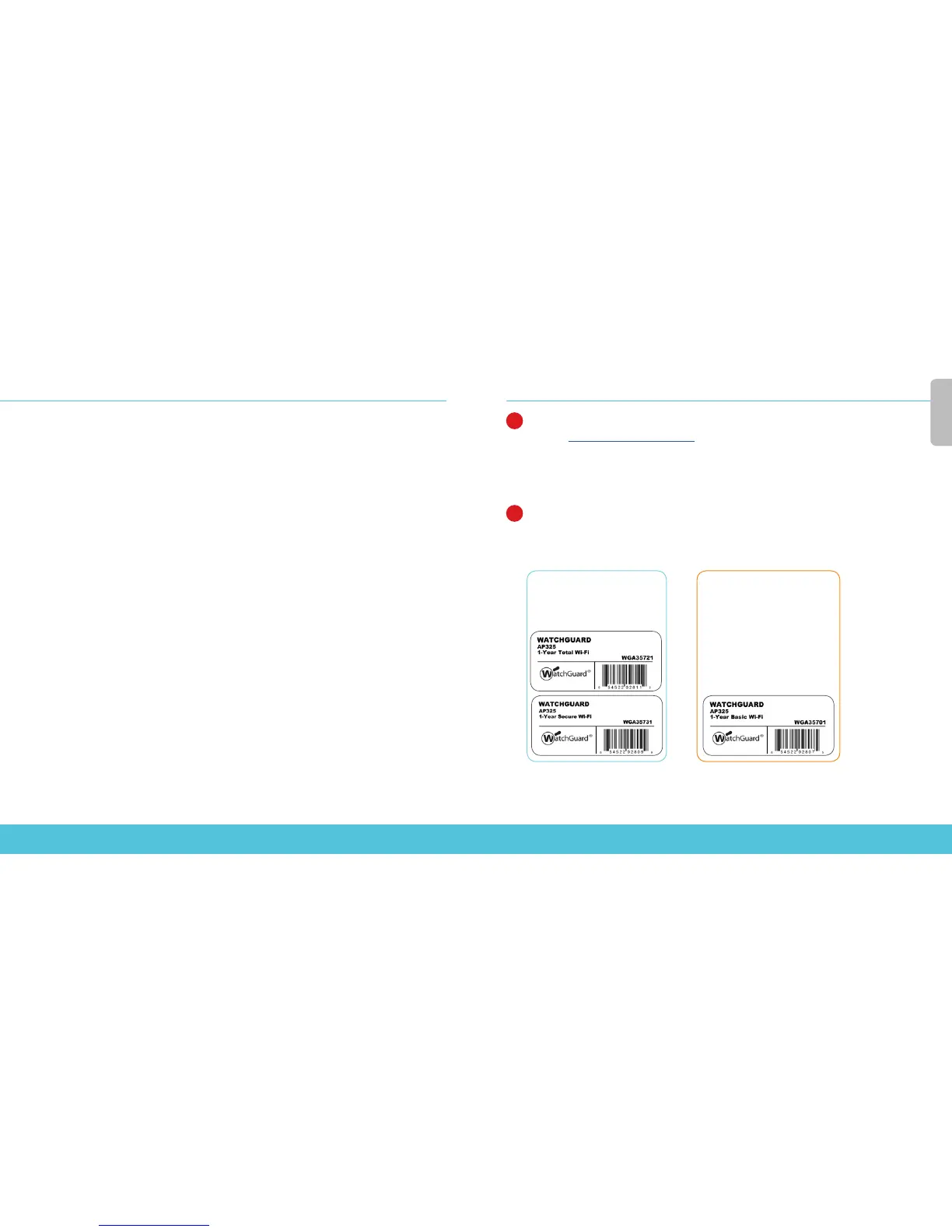
When you purchased your AP, you selected the method you wanted to use to manage it. This guide
includes basic setup instructions for both methods. To verify which instructions to use, look at the
sticker on the outside of the box your AP came in.
1
2
English
Total & Secure Wi-Fi
Manage, congure, and
monitor APs from the Watch-
Guard Wi-Fi Cloud.
Basic Wi-Fi
Manage, congure, and monitor
APs directly from your Watch-
Guard Firebox. Requires Fireware
OS v12.1 or higher.


 To Next Page