®
Installation Guide
Need Help? Contact Customer Care at (732) 967-9888
Replacing the Pool Blaster® PRO Series Motor Box
2
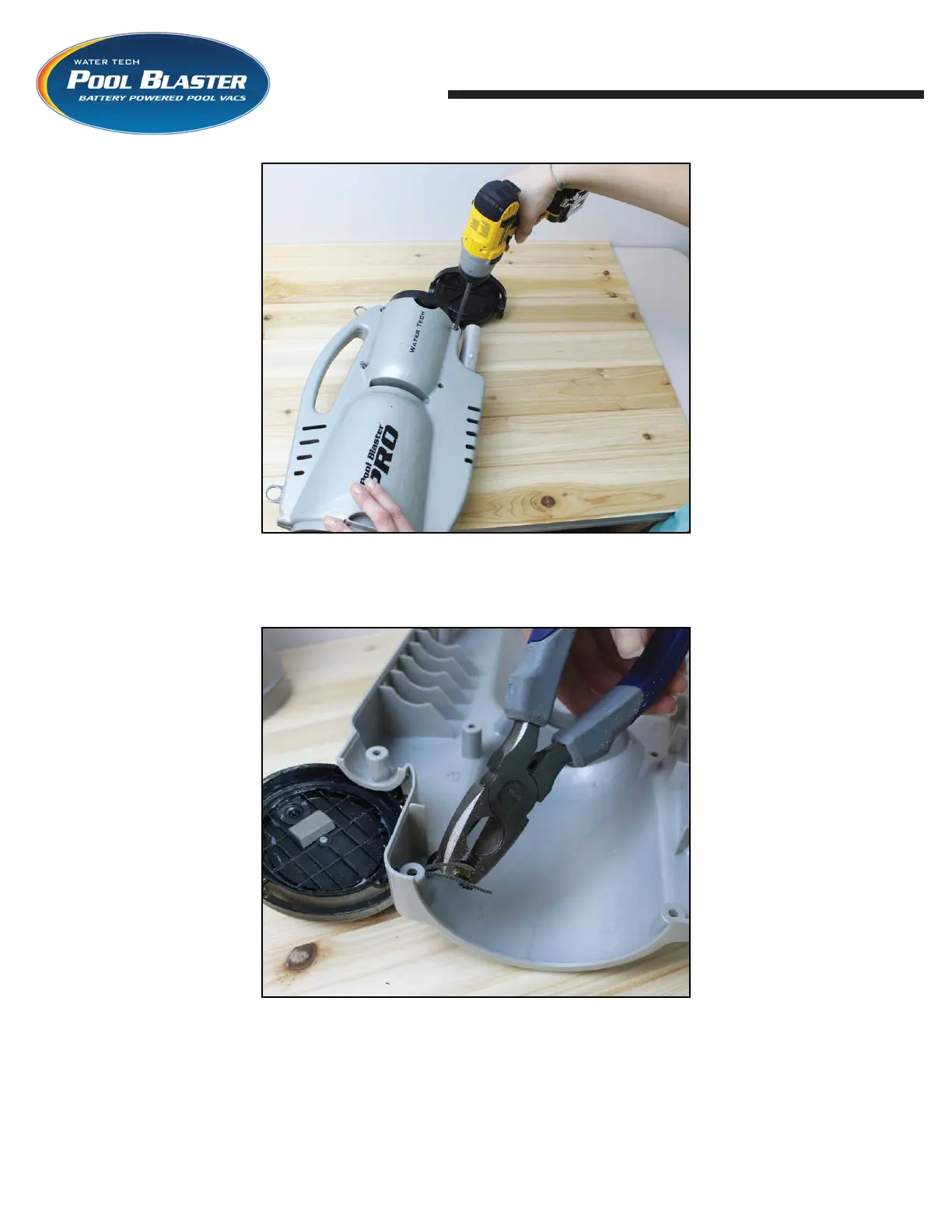
STEP 3: Turn the unit over and remove the four (4)
screws holding the motor box assembly in place.
Separate shell from motor box.
STEP 4: Inspect the side of the shell that has the
motor box cap attached to it. Notice the metal clip
that holds the lanyard to the shell. With a pair of
pliers gently squeeze clip to open it and remove clip
from lanyard. Remove motor box cap from shell.





 To Next Page