®
Installation Guide - NiMH to Lithium
Need Help? Contact Customer Care at (732) 967-9888
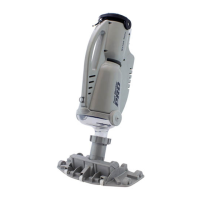
Upgrading the Pool Blaster® MAX Li/MAX Li CG Motor Box
1
Why did my new motor box kit come with a charger?
This complete kit replaces all of the electronics for the Pool
Blaster® MAX Li/MAX Li CG and will guarantee that your
machine will be repaired and increase the longevity of your
battery.
Your old charger will not work. Please dispose of
your original charger.
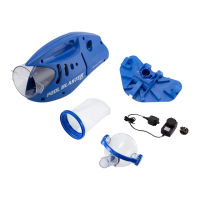
Your new kit includes:
Motor Box with ON/OFF Button (P30X003LI)
Charger (LC099-3S-US-EU)
There are two sizes of screws used in the
Pool Blaster® MAX Li. While disassembling
the machine, make note of which screw is
used where.
You will need the following tools:
STEP 1: Place the unit on a workbench
with the ON/OFF knob facing up. Unscrew
ON/OFF Knob.
Phillips screwdriver or battery
powered screwdriver and a cutting tool
(set drill at low torque setting)
No cover needed






 To Next Page
