19
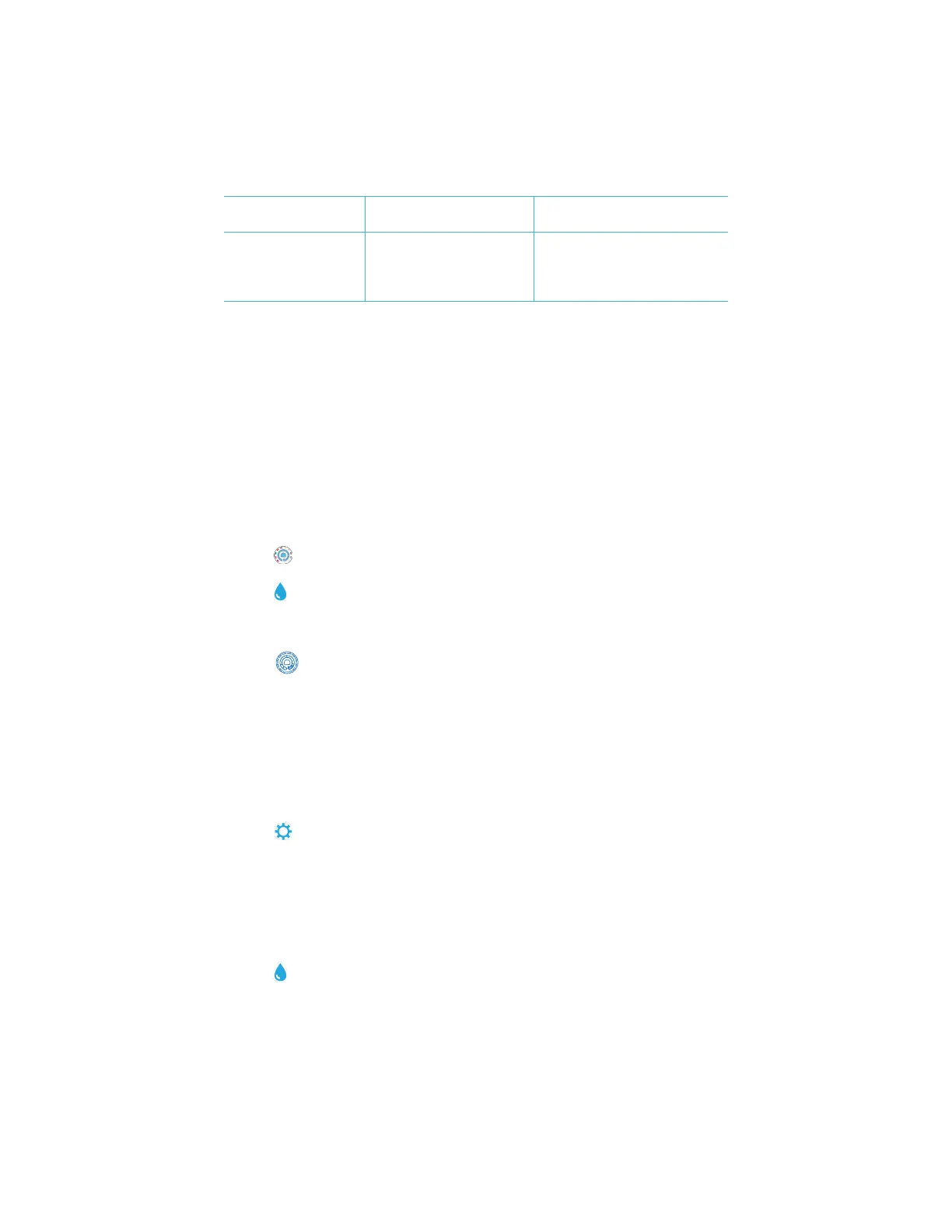
Trouble connecting to
computer by USB
Broken connection Press and hold power button for 1
second.
Results not printing Printer not on
The Spin Touch will only print
to the Mobile Bluetooth Printer
(Code 5-0066)
Turn printer on
Connect to Mobile Bluetooth Printer
(Code 5-0066)
TROUBLESHOOTING WITH THE METER CHECK DISK
Do not attempt to separate the components of the Meter Check Disk (Code 1705/1705-
EU). The Meter Check Disk consists of a disk with a permanently attached cover.
Do not fill the Meter Check Disk with water. Water is not used during the meter check
procedure.
Range Check Procedure
The Meter Check Disk is used to verify the performance of a meter. It is not used to
recalibrate the meter. Meters are calibrated at the time of manufacture. The meter is
performing satisfactorily if readings using the Meter Check Disk are within the ranges
provided on the Meter Check Disk pouch. Range specifications are specific to the disk
identified by the serial number on the pouch. The range specifications will vary from disk to
disk. The exact readings from a specific disk may vary from meter to meter.
1. Follow the Cleaning procedure on page 20 to clean the light chamber and optic lenses.
2. Tap select Disk Series.
3. Tap MCD to select Meter Check Disk.
4. Tap to return to the test screen.
5. Remove the Meter Check Disk (1705/1705-EU) from the foil pouch. DO NOT remove
the black cover from the disk.
6. Insert the Meter Check Disk. Close the lid.
7. Tap to start test.
8. Results will be displayed.
9. Compare the results on the display to the values on the chart shown on the pouch. If
the results are not within the range shown on the pouch, contact Support.
10. Replace the Meter Check Disk in the foil pouch for storage.
LED Calibration
The LED Calibration is performed to set the brightness of the individual LEDs.
1. Follow the Cleaning procedure on page 20 to clean the light chamber and optic lenses.
2. Tap to go to settings.
3. Tap Calibration.
4. Tap LED Cals.
5. Remove the Meter Check Disk (Code 1705/1705-EU) from the foil pouch. DO NOT
remove the black cover from the disk.
6. Insert the Meter Check Disk. Close the lid.
7. Tap Start to begin the meter check procedure.
8. When the calibration is complete the message “LED Calibration Complete” will appear.
9. Tap to return to the Testing Menu and resume testing.
www.GlobalTestSupply.com
Find Quality Products Online at: sales@GlobalTestSupply.com


 To Next Page