14 15
Auto Tuning
Under the Auto Tuning of CHANNEL menu.
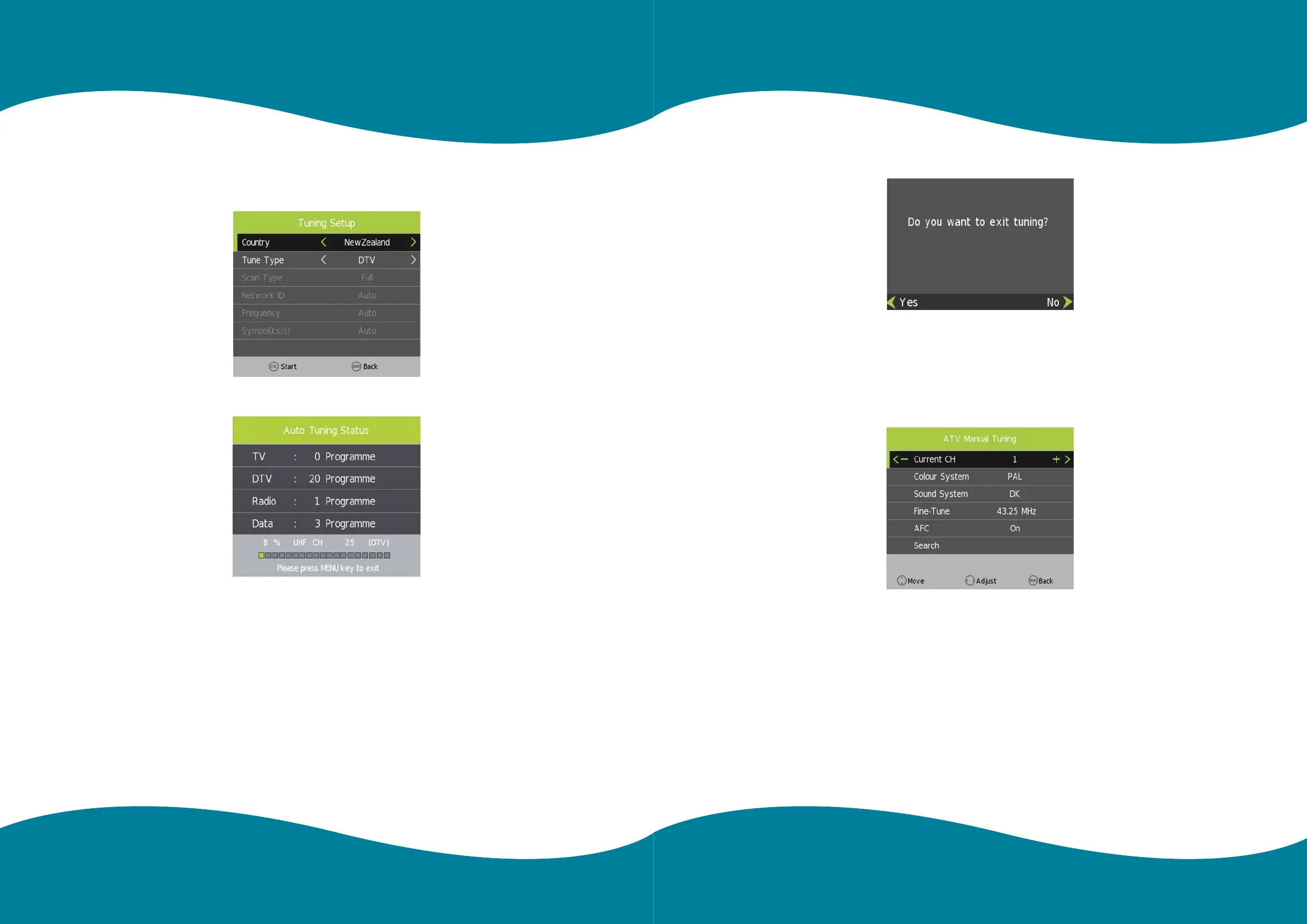
Press [LEFT]/[RIGHT]/[OK] key to enter Auto Tuning, the following prompt box will appear.
When Tune Type is DTV+ATV, press OK key to enter DTV auto searching.
When search DTV, if you want to skip ATV and directly enter DTV, press MENU to enter the menu as follows:
Press left/right key to select Yes/No, press OK to execute.
“Yes” is to skip the ATV searching and enter DTV searching.
When searching, if you want to directly exit from searching, press EXIT to exit.
ATV Manual Tuning
Press [LEFT]/[RIGHT] to adjust channels, when there is signal, press OK then begin ATV searching.
Tips: After searching the channel manually, press red key to save the channels, or, the channel you searched
won’t be saved.
Main MenuMain Menu



 To Next Page