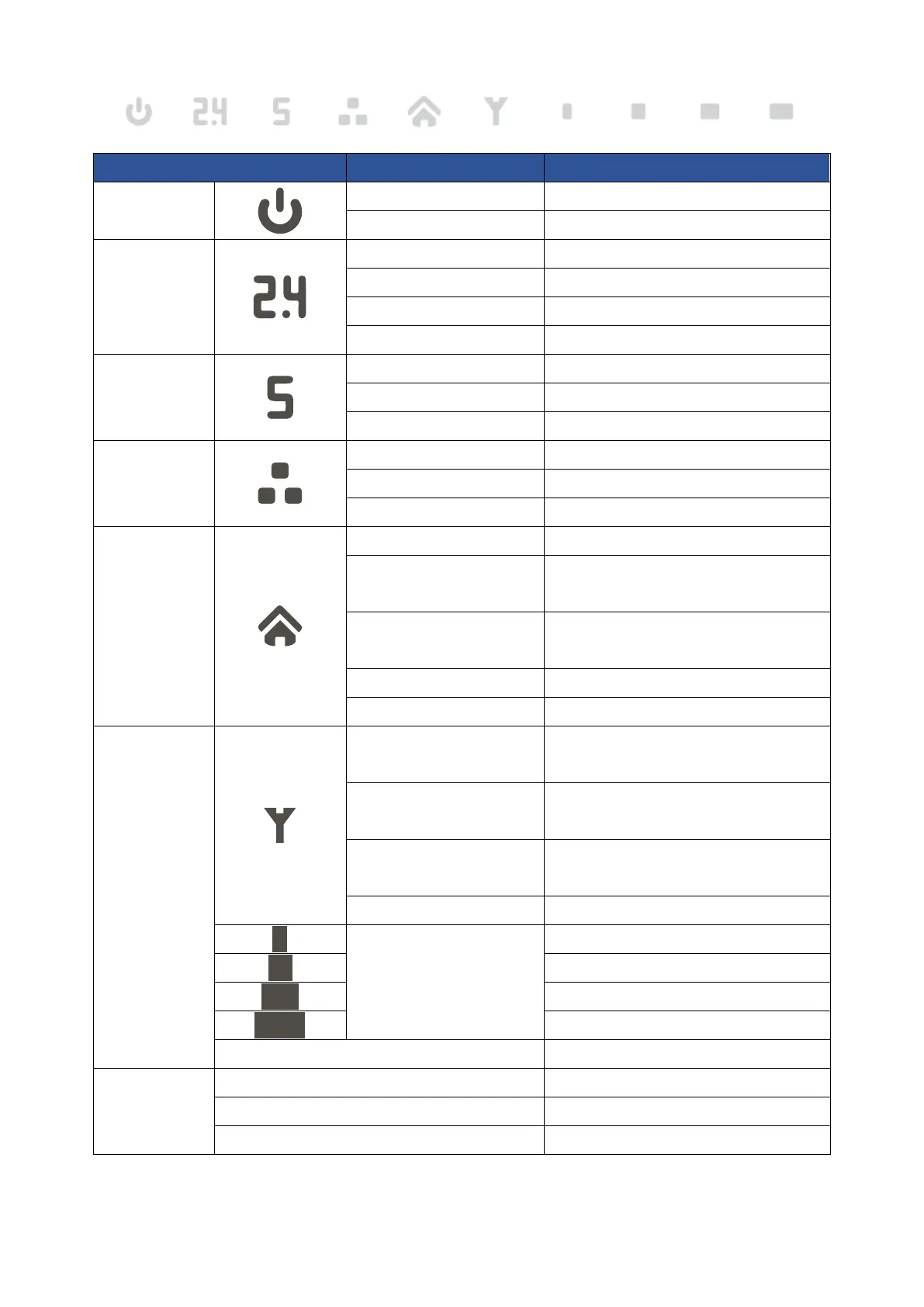
LED Indicators
Power
Steady White Power ON
OFF Power OFF
2.4GHz Wi-Fi
Steady White 2.4GHz Wi-Fi ON
Blinking White Transmitting data
Periodic Blinking White WPS is activated
OFF 2.4GHz Wi-Fi OFF
5GHz Wi-Fi
Steady White 5GHz Wi-Fi ON
Blinking White Transmitting data
OFF 5GHz Wi-Fi OFF
LAN
Steady White Ethernet port connect with PC
Blinking White Transmitting data
OFF No Ethernet port connect with PC
Smart home
Steady White Join button pressed
Blinking White
(0,2 sec on / 4 sec off)
Transmitting data / operating mode
Blinking White
(0,1 sec on, 0,1 sec off)
Upgrading gateway software
Steady Red Not registered to cloud
OFF Smart home OFF
Signal Strength
Blinking White (0,1 sec on,
0,1 sec off)
Firmware Upgrading
Blinking White (1 sec on, 1 sec
off)
PUK / PIN CODE REQUIRED
Blinking White (0,2 sec on, 4
sec off)
NO SIM / SIM ISSUE
SINR < 0dB
0dB ≤ SINR < 4dB
4dB ≤ SINR < 9dB
9dB ≤ SINR < 16dB
16dB ≤ SINR
All Signal LEDs OFF No Signal
Reset
All LED Steady ON Processing Reboot
All LED Blinking Processing Reset to default settings
All LED Off except Power LED Reset executing accepted



 To Next Page