5
1.4 Radio Status
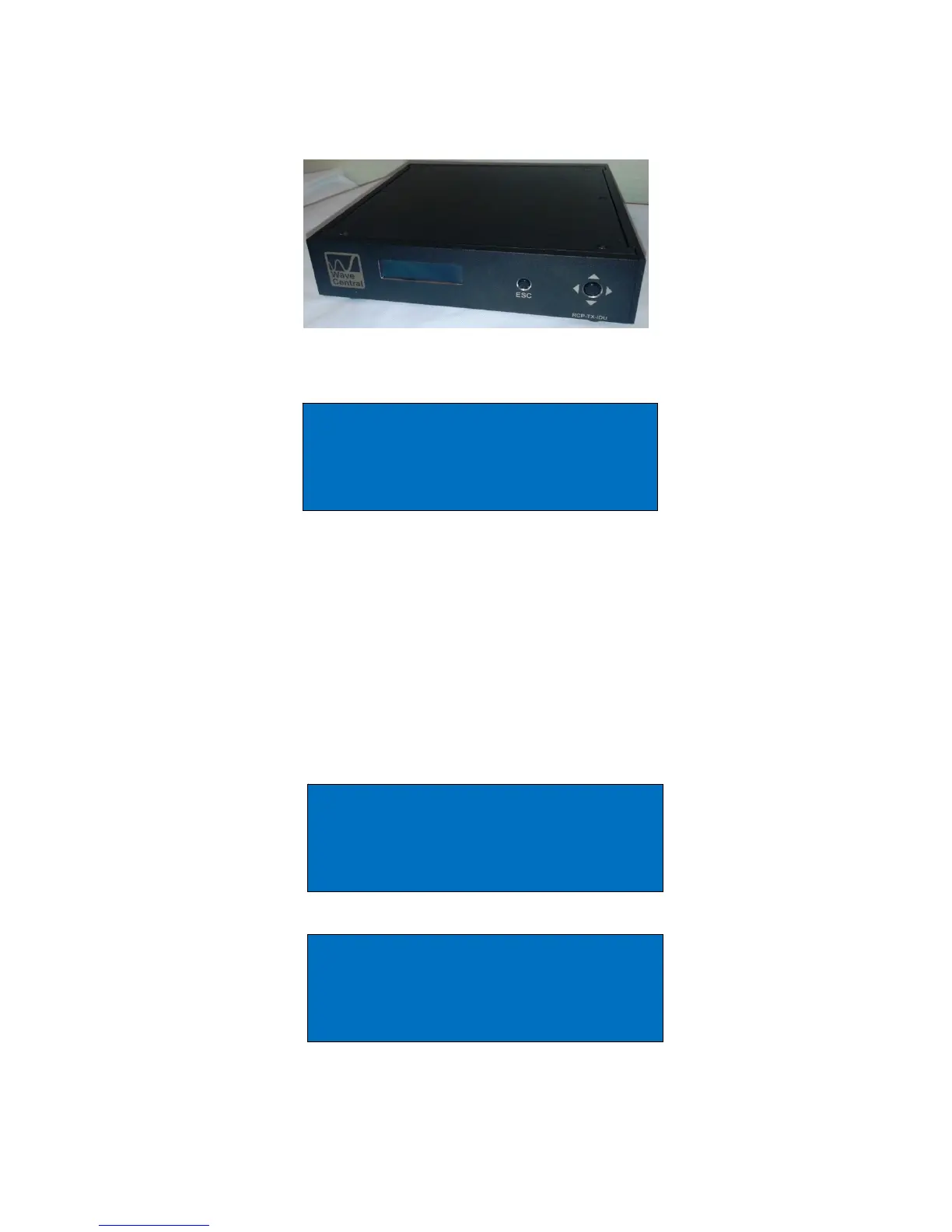
Figure 5. RCP-TX-IDU
The frequency and the power output of the TX ODU can be remotely controlled from
the RCP-TX-IDU. When the NAV button is pressed, a warning will be displayed. This is
because the transmission of camera control data will be interrupted while the TX-ODU is
interrogated and no cameras can be controlled. This process is usually done during
installation and should not normally be necessary during a program transmission.
Feedback from the TX-ODU of the Frequency and Power level will be displayed and on
the bottom line of the display the desired edit function can be selected between,
frequency and power level.
Main Menu
Radio
Radio settings Menu
Disables camera ctrl
Enter to continue
Radio Functions
Frequency = 462.78625MHz
Power Output = 100mW
Change Frequency


 To Next Page