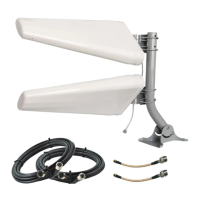
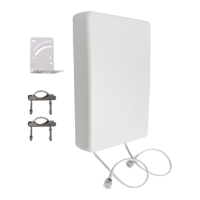
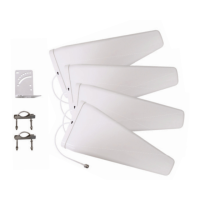
Don’t have a way of taking your router outdoors with you? No problem. Just keep your router
or hotspot indoors near a power socket, and use a longer coax cable in place of the barrel
adapters so you can take just the antennas outside.
If you aren’t able to bring your router or hotspot outside with you, then your connection speed
may be limited by the router’s WiFi range rather than its cellular connection. We recommend
asking a second person to stay near the hotspot or router with a phone: ask them to run speed
tests as you try different positions with the antennas.
Running Speed Tests
Since the goal is improved data rates, it makes sense to use a speed test app to measure your
data rates through your cellular router or hotspot’s WiFi.
If you’re testing with your phone, download “Speedtest by Ookla” by visiting this URL:
waveform.com/speedtest. If you’re using a laptop, visit speedtest.net in a browser. Go ahead
and run a few speed tests indoors from a device connected to your router or hotspot’s WiFi.
Now go outside. With each location and direction you try, run 1-2 speed tests, and make a
note of the results in the table on the opposite page.
How to Position & Aim
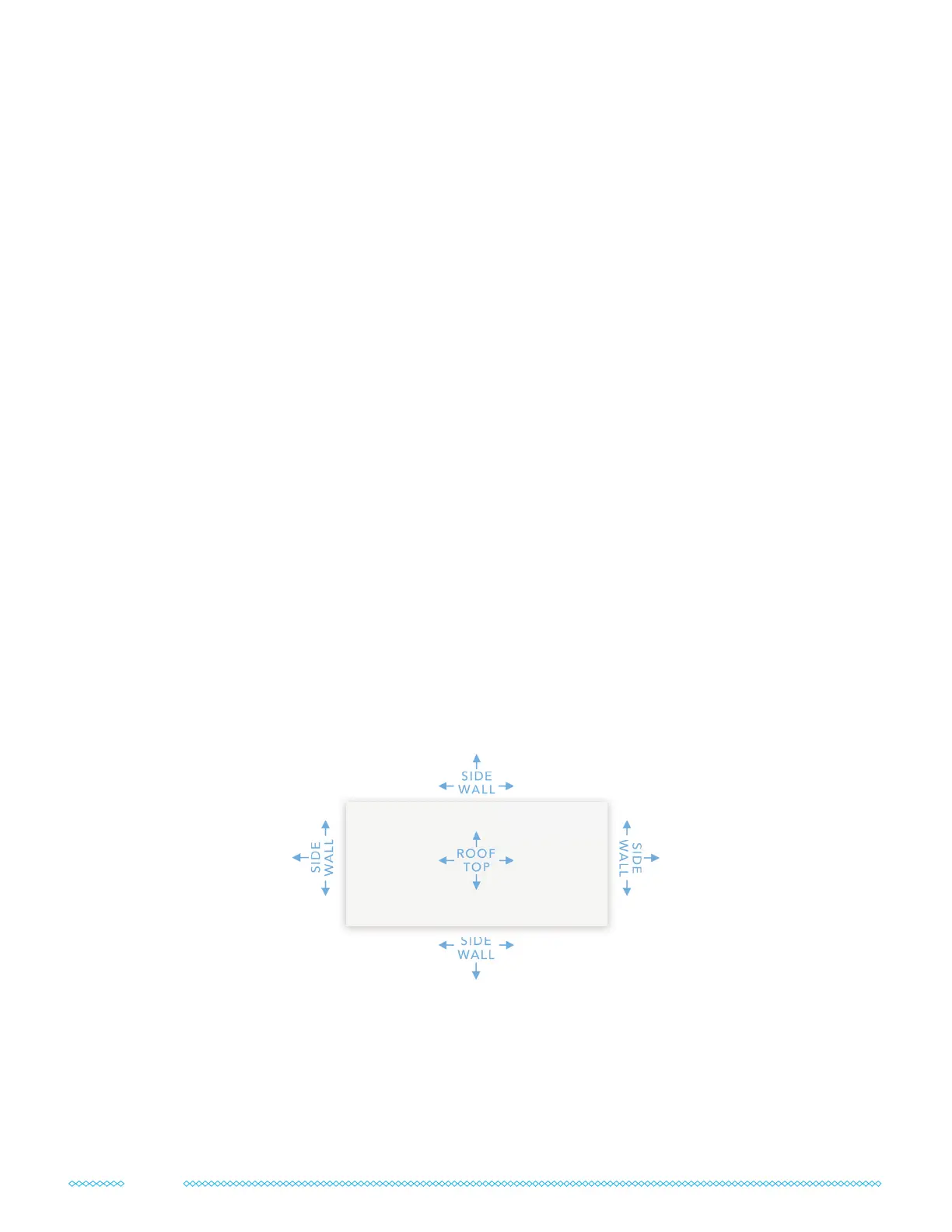
Finding the right antenna location and direction takes some patience, but it’s absolutely worth
it. Spending time to get it right will have a big impact on your system’s performance. Here are
all the locations and directions where we recommend testing your MIMO antennas:
Don’t just go to the highest point of the roof! While signal is generally stronger the higher you
go, there’s also often more interference. We’ve found it’s often better to mount the antennas on
the side of the building where the structure can shield the antennas from interference.
Once you’ve found the best antenna location and direction, move on to section 5 below to
get ready for your nal installation.
8


 To Next Page