6
Waves Nx Head Tracker – User Guide
Head Tracking Application—Bluetooth Tracker Tab
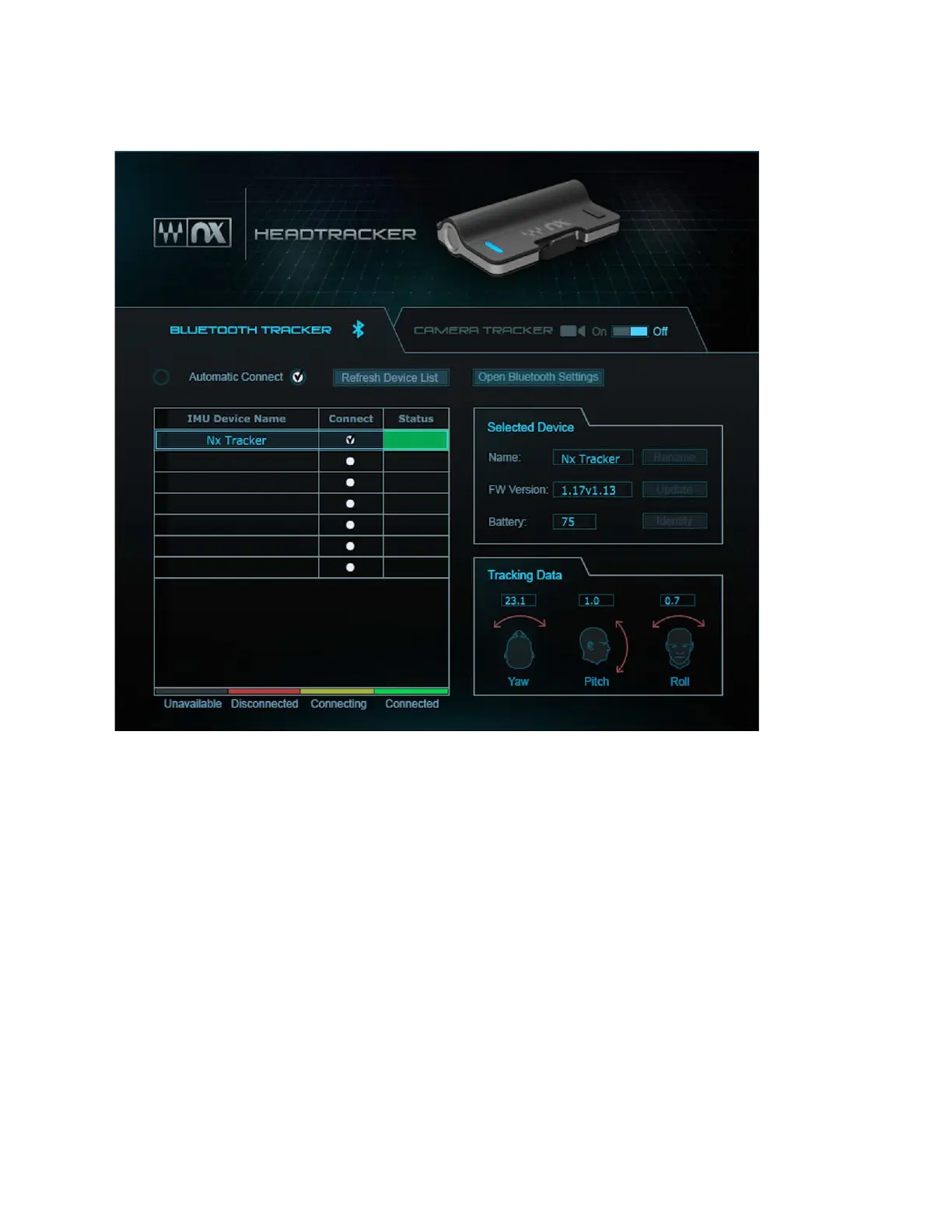
Device List –
This list will show all available Nx Head Tracker devices. Up to six
devices can be connected simultaneously.
Connect (check box) –
Check or uncheck this box in order to connect or disconnect
an Nx Head Tracker device that appears in the device list.
Refresh Device List –
This control will erase the list and rescan for Nx Head Tracker
devices.
Automatic Connect –
When On, the application automatically connects with any Nx
Head Tracker device it detects. When Off, the application detects Nx Head Tracker
devices, but the user must initiate the connection,
Open Bluetooth Settings
(Windows only) – This opens the system Bluetooth settings
window. You must first pair the Nx Head Tracker in your system’s Bluetooth settings
before the head tracking application can detect it.



 To Next Page