162 CHAPTER 16 CLICK 210
Note
The Click 210 is a 0.5 A circuit breaker. There are also 2 A and 8 A models available;
contact your Wavetronix dealer for more information or to order.
Physical Features
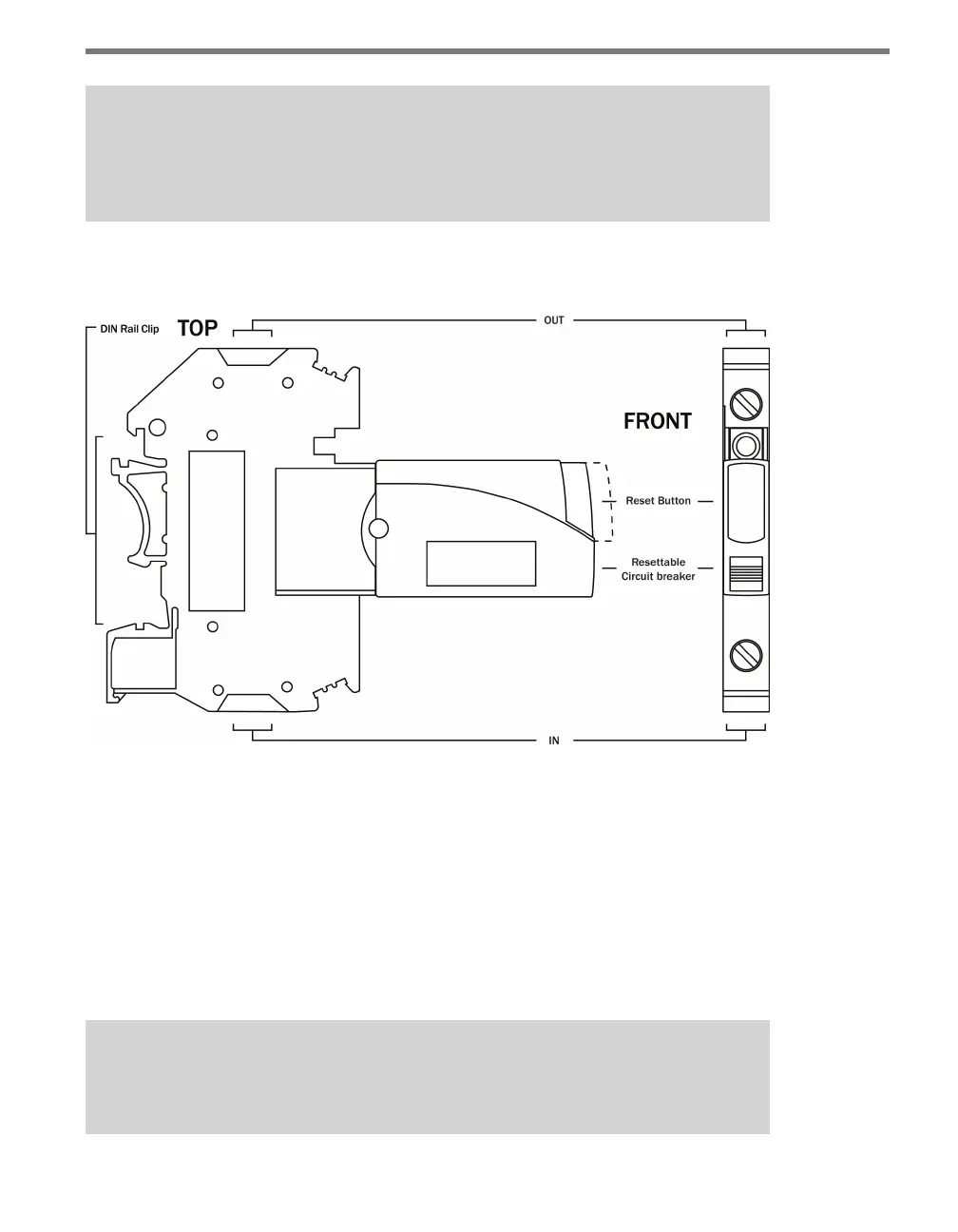
Figure 16.2 – Diagram of the Click 210
e Click 210 features two screw terminals, one on each side, for wiring power. It also fea-
tures a reset button on top that can be used to reset the breaker aer a current interruption.
Installation
Connect the line (black) wire from the AC terminal block or AC plug into one of the two
screw terminal connectors, and another line wire out of the other connector for power out.
It doesn’t matter which side you use for power in as long as the other end is power out.
Note
Be sure the reset button on top of the module is pressed down before wiring.



 To Next Page