Uninstalling
the Driver
The uninstallation will be slightly
different
depending
on
your
operating
system.
DisplayLink
Core
Software
□1
Please
wart
whie
Windows
configures
DisplayUnk
Core
Software
Your
Jyr
screens
may
temporary
go
Made
or
flash
during
this
process
Time
remaining:
28
seconds
Please
take
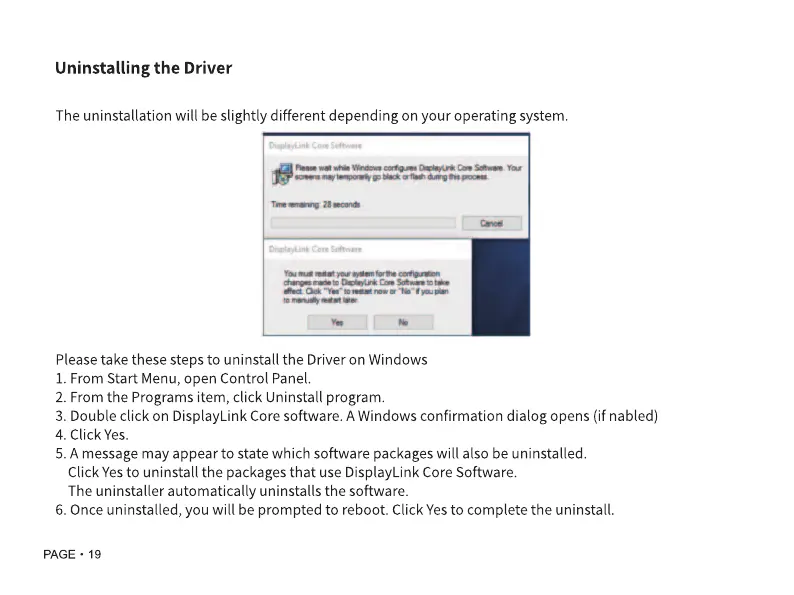
these steps to uninstall
the Driver
on Windows
1.
From Start Menu, open Control Panel.
2.
From the Programs item, click Uninstall program.
3.
Double click
on DisplayLink Core
software.
A
Windows confirmation dialog
opens (if nabled)
4. Click
Yes.
5.
A
message may
appear
to state
which software packageswill also be uninstalled.
Click
Yes
to uninstall
the
packages that
use DisplayLink Core Software.
The uninstaller
automatically
uninstalls
the
software.
6. Once uninstalled,
you will be prompted to reboot. Click
Yes
to complete
the uninstall.
page
• 19



 To Next Page