1 Hardware Connection
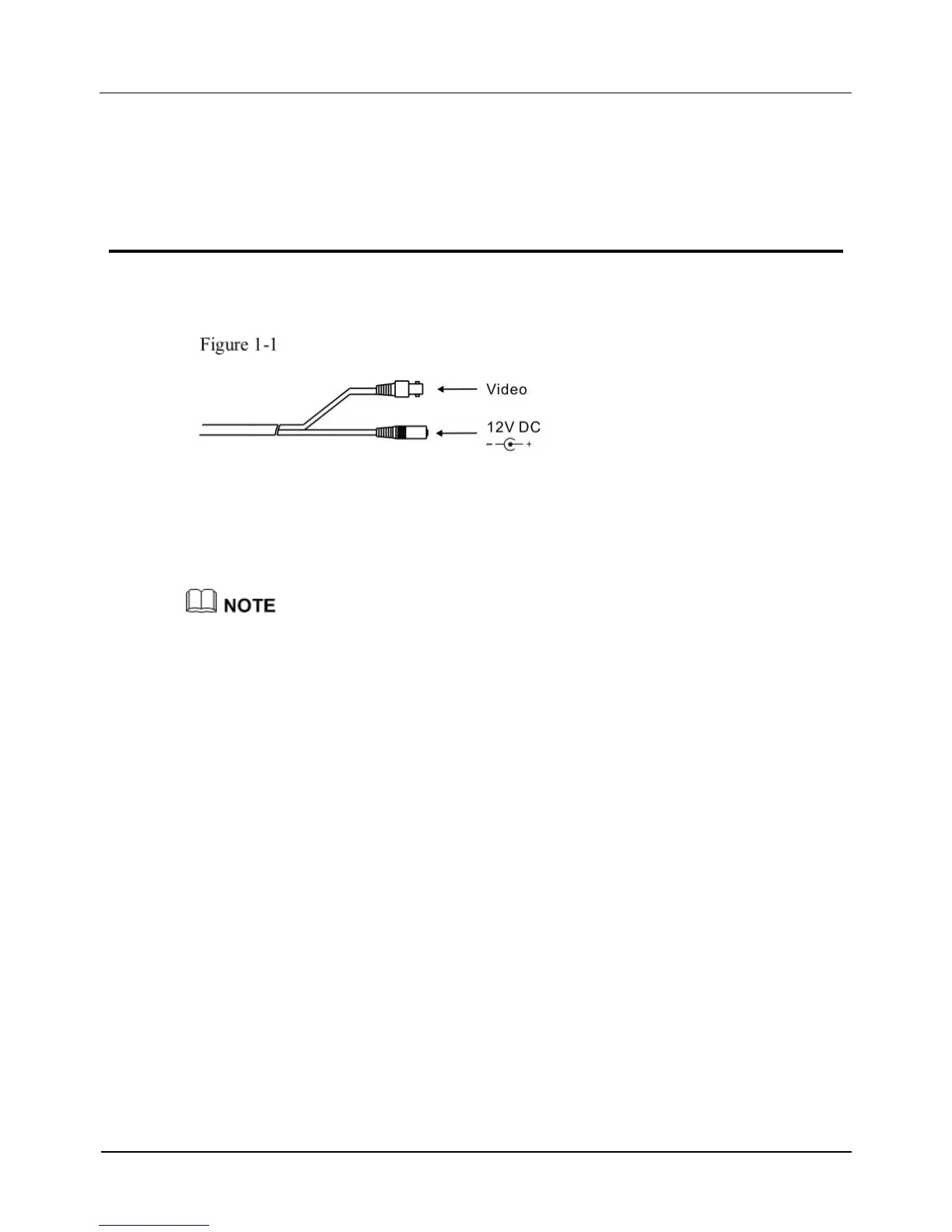
Figure 1-1 shows the power and video cables.
Power and video cables
Connect the BNC connector of the power or video cable to a video signal cable and
connect the other connector to a low-voltage power cable (12V DC). After installing
the camera, directly connect the video cable and power cable.
The BNC video output interface is used to emit composite video signals. Monitors with a
resolution of higher than 800 TVL are recommended.



 To Next Page