Error! Use the Home tab to apply 标题 1 to
the text that you want to appear here.Error!
Use the Home tab to apply 标题 7 to the text
that you want to appear here.
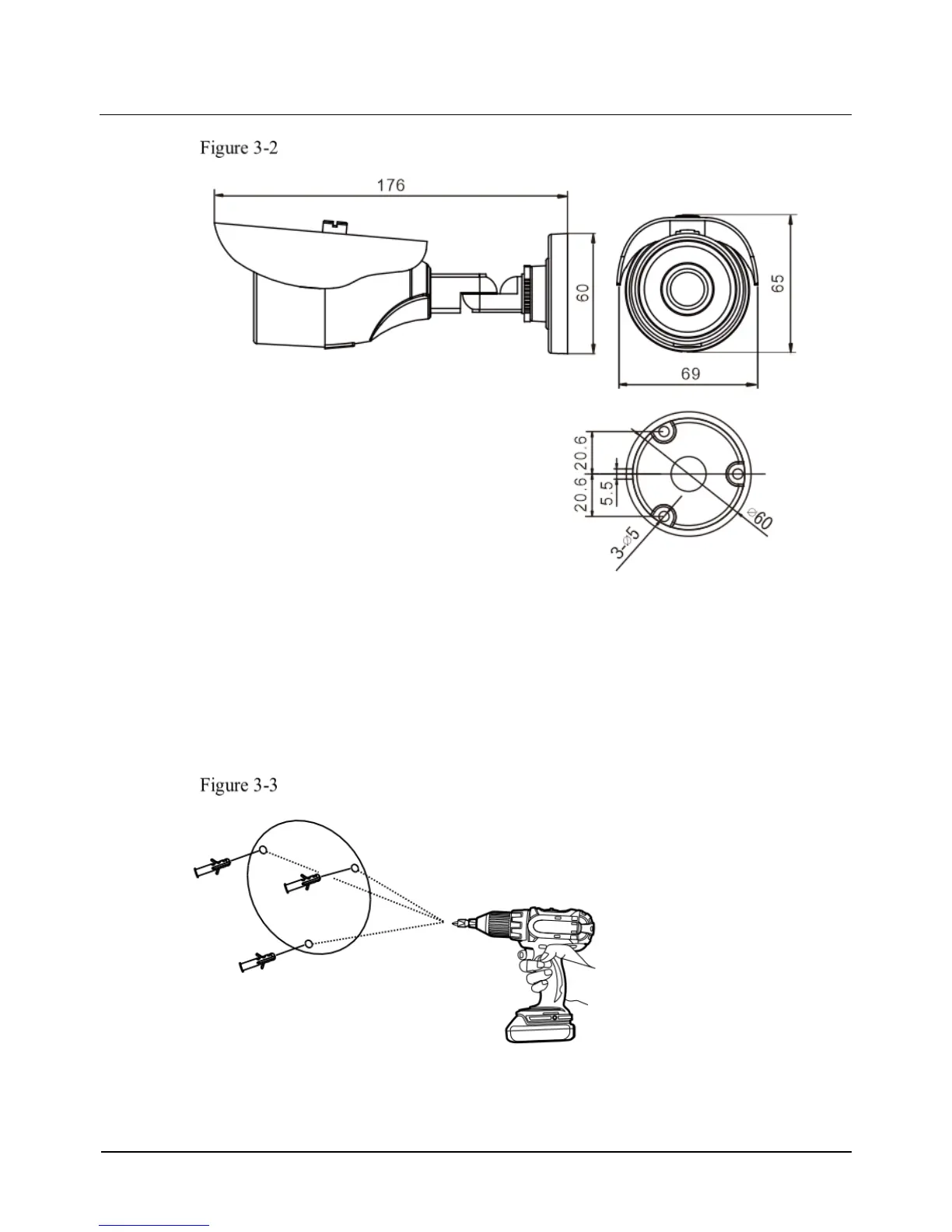
dimensions of HDB1MP36(G) and 0E-HDB2MP36(G)
3.2 Device Installation
Step 1 Stick the Installation location sticker on the ceiling or wall, Drill three holes based on
the marks on the sticker. Drive the swell plastic buttons into the holes, as shown in
Figure 3-3.
Drilling holes
Step 2 Loosen the locking screw with L-Hex Wrench and rotate the camera, then attach the
camera to the surface, as shown in Figure 3-4.



 To Next Page