2.2 Device Installation
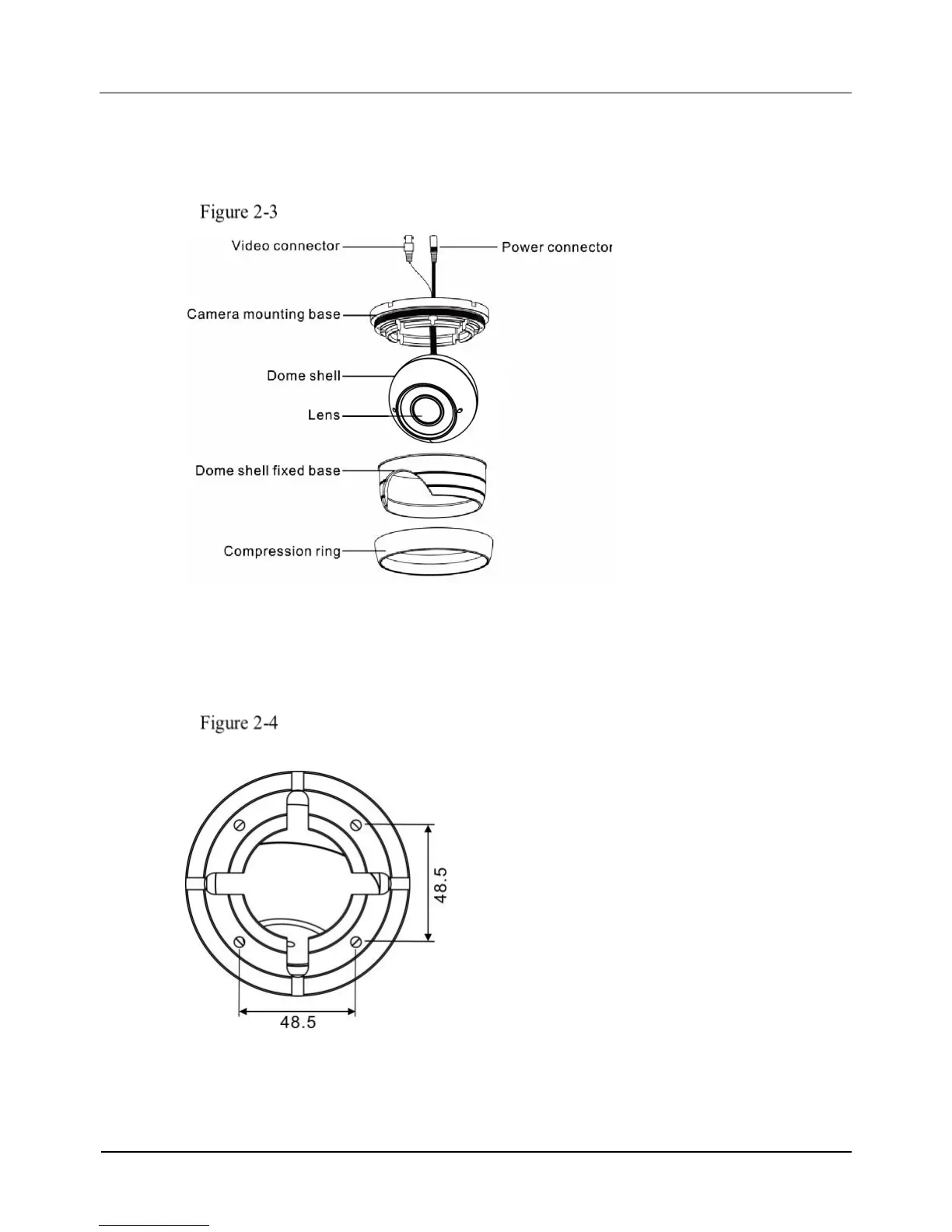
Step 1 Open a package, take out the camera, unscrew the camera compression ring, and
disassemble the camera, the camera components is shown in Figure 2-3.
Camera components
Step 2 Use the base as drill template, drill holes on the ceiling or wall, and reserve the cable
entries of the video/power cables.
Figure 2-4 and Figure 2-5 shows the dimensions of the camera mounting base.
Dimensions of the 0E-HDD1MP28(G) and 0E-HDD2MP28(G) mounting
base



 To Next Page