EasyManua.ls Logo

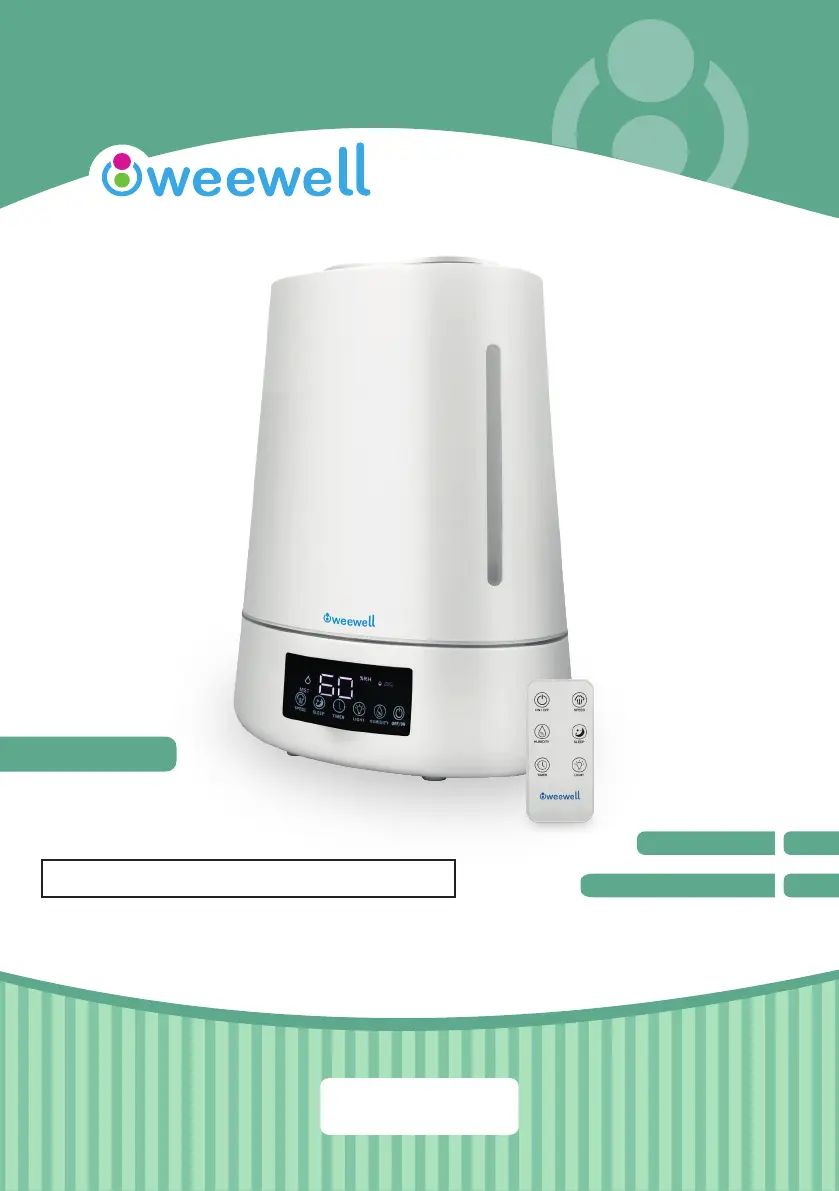
weewell WHC740 - User Manual

weewell WHC740
20 pages
Print Icon
To Next Page IconTo Next Page
Loading...
HUMIDIFIER
SOĞUK BUHAR ÜFLEYİCİ
WHC740
USER MANUAL
EN
KULLANIM KILAVUZU
TR
HAVA TEMİZLEYİCİLER ve NEMLENDİRİCİLER
www.weewell.com
info@weewell.com

Questions and Answers

  • V
    Vincent NelsonAug 5, 2025
    What to do if my weewell WHC740 doesn't work?
    • K
      Kerry FranklinAug 5, 2025
      If your Weewell Humidifier isn't working, try these steps: * If you've just filled the water tank, wait two minutes for the water to settle. * Ensure the humidifier is correctly plugged into the wall outlet. * Verify the wall socket is functional. * Check that the water tank contains enough water. * Make sure the water tank is properly placed.
  • U
    umcmahonAug 12, 2025
    Why is the area around my weewell WHC740 wet?
    • J
      jessica94Aug 12, 2025
      If the area around your Weewell Humidifier is getting wet, try the following: * Place the humidifier on a firm, level surface. * Increase the mist level setting. * Ensure the room is adequately ventilated.
  • B
    Brian LucasAug 27, 2025
    What to do if my weewell WHC740 Humidifier has a strange odor?
    • M
      mcdonaldstacyAug 27, 2025
      If your Weewell Humidifier emits a strange odor: * Replace the water with fresh, clean water if it has been sitting in the unit for a long time. * Clean the water tank using a mix of vinegar and water.
  • C
    Christina GraySep 10, 2025
    How to get better humidifying effect from my weewell WHC740 Humidifier?
    • S
      Shelia ParkerSep 12, 2025
      To improve the humidifying effect of your Weewell Humidifier: * Check that the air inlet and outlet are not blocked. * Clean the atomizer.

Summary

Before First Use

Safety Instructions

Box Contents

Product Parameters

Correct Humidity Level

Operating the Machine

On;Off Control

Controls the power state of the humidifier via base or remote.

Mist Speed Adjustment

Allows adjustment of mist output levels (weak-medium-strong).

Humidity Level Setting

Enables setting the desired relative humidity percentage (45%-90%).

Timer Function

Sets the operating time for the humidifier in hours.

Sleep Mode

Activates a mode that reduces display brightness and fan speed.

Night Light Control

Turns the device's night light feature on or off.

Recommendations

Cleaning

Trouble Shooting

Storage

Disposal

weewell WHC740 Specifications

General IconGeneral
Brandweewell
ModelWHC740
CategoryHumidifier
LanguageEnglish