QUICK START GUIDE
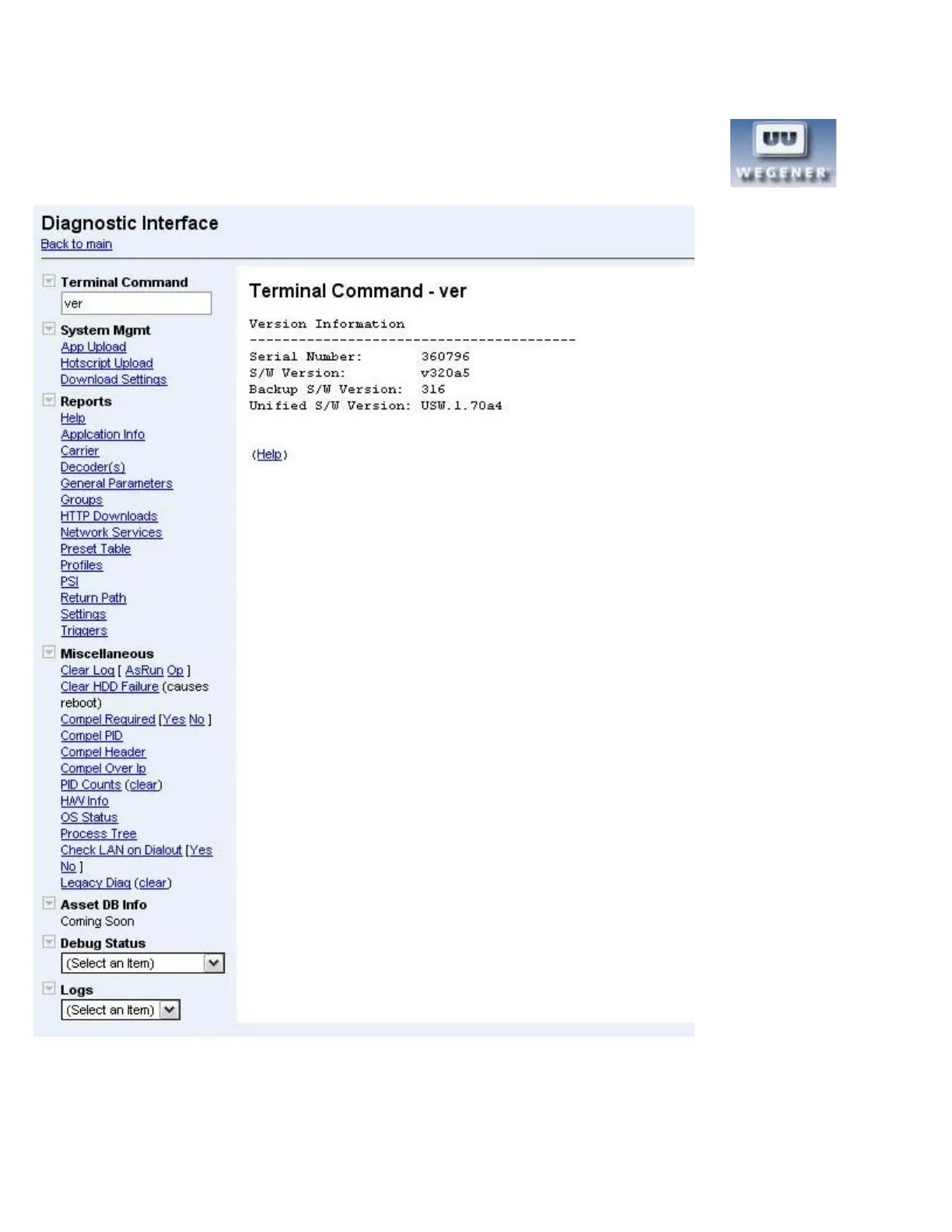
Diagnostics interface
By holding down the control key on the keyboard and clicking the Wegener logo in the top left corner,
a diagnostics interface may be accessed.
From this interface, in addition to many other actions, the user can play a file or playlist of files from the hard disk drive.
14 800092-02 Rev. C www.wegener.com



 To Next Page