7
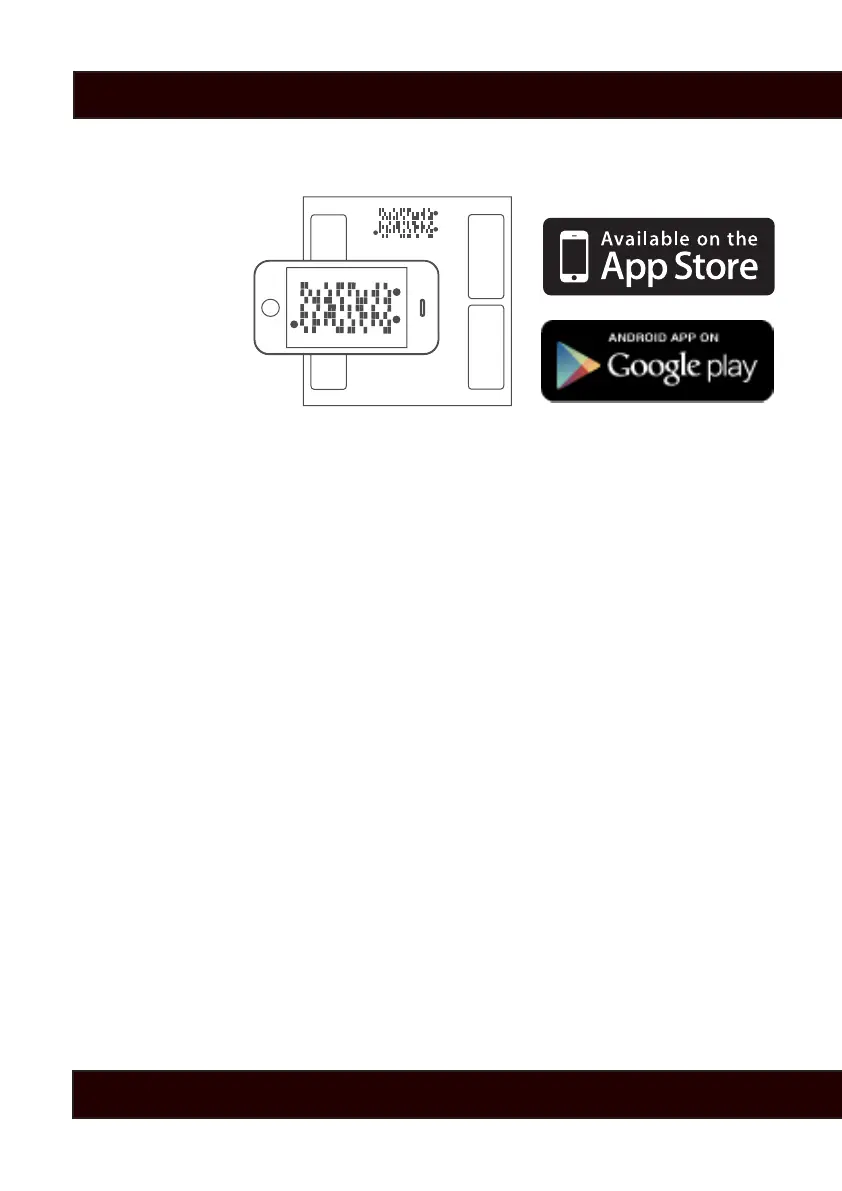
Syncing your results to your smart phone is easy.
1. Get the App
2. Step on the scale
3. After the scale completes measuring, your barcode will
automatically display after showing you your results.
4. Use the Weight GURUS App and your smart phone’s camera to
scan the barcode. Make sure to align the brackets on your phone’s
screen to the scale’s barcode screen.
TIPS:
ZOOM: Use the zoom buttons on the left to get closer or further
away to properly align the app screen’s brackets with the scale’s
screen.
GLARE: Lean from side to side when scanning to avoid direct glare
from overhead lights. If a bright reection is blocking your view of
the barcode, the scanner may not detect your results.
Learn more at GreaterGoods.com
Sync With Your Scale


 To Next Page