10 11
Press . Press the DOWN ARROW
key to see all your information, including age,
gender, height, weight, daily PointsPlus
Target, and weekly PointsPlus Allowance.
To clear and reset ALL the information you previ-
ously entered, press and hold the ENTER key. You
will then need to do your setup again (page 6).
To change either age, height, or weight, press
the DOWN ARROW key until you find the item
you want to change (In this example, we will
change weight). When you get to WEIGHT?,
press and hold the ENTER key for three seconds.
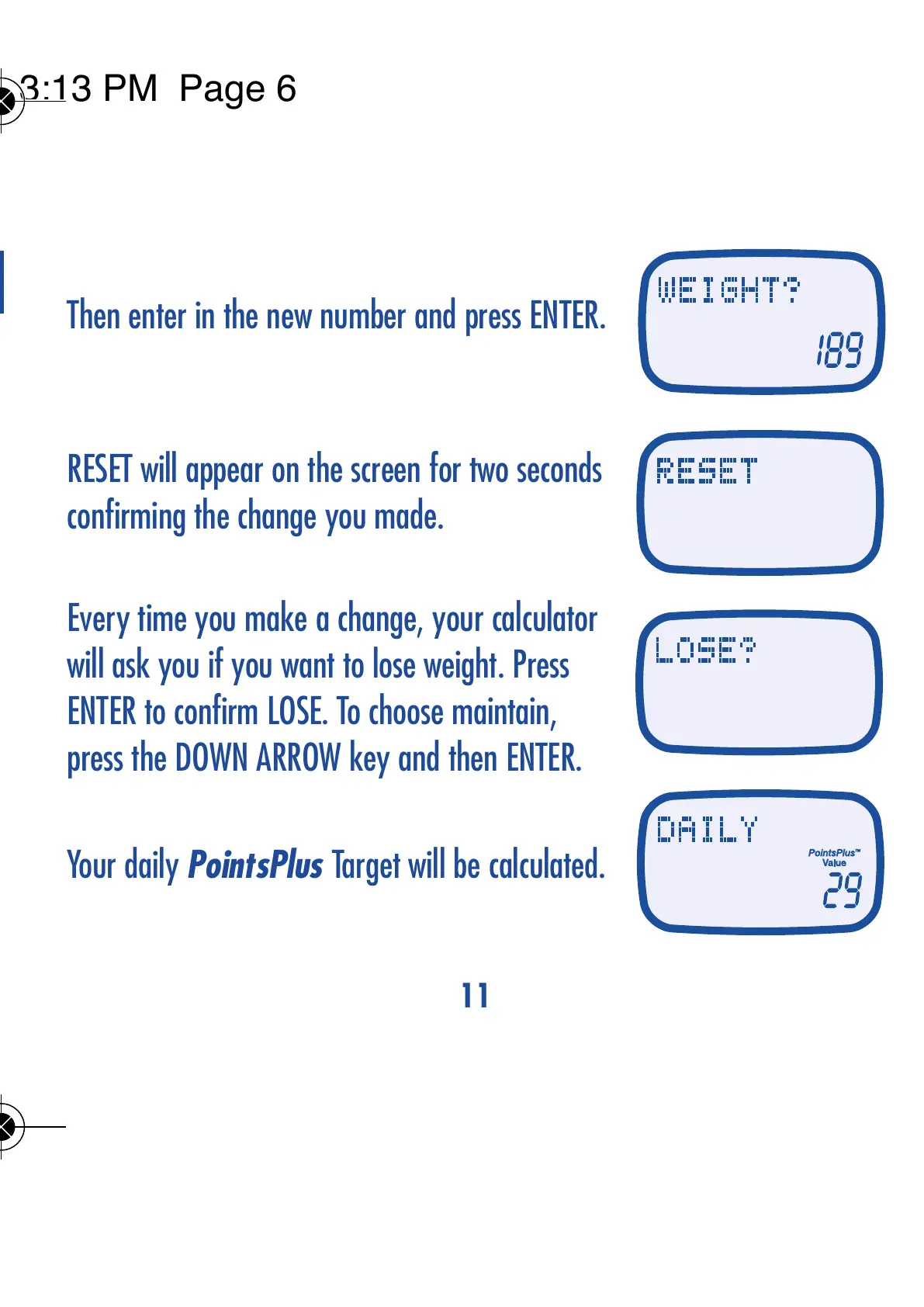
Then enter in the new number and press ENTER.
RESET will appear on the screen for two seconds
confirming the change you made.
Every time you make a change, your calculator
will ask you if you want to lose weight. Press
ENTER to confirm LOSE. To choose maintain,
press the DOWN ARROW key and then ENTER.
Your daily PointsPlus Target will be calculated.
YOU CAN CHANGE YOUR PERSONAL INFORMATION



 To Next Page