16
Press the key to review. The PointsPlus
values you have left for that day will appear.
Press the DOWN ARROW key to see how much
of your weekly PointsPlus Allowance is left.
Because your calculator tracks your PointsPlus values for
seven days, you can see how you’ve used your PointsPlus
values in past days.
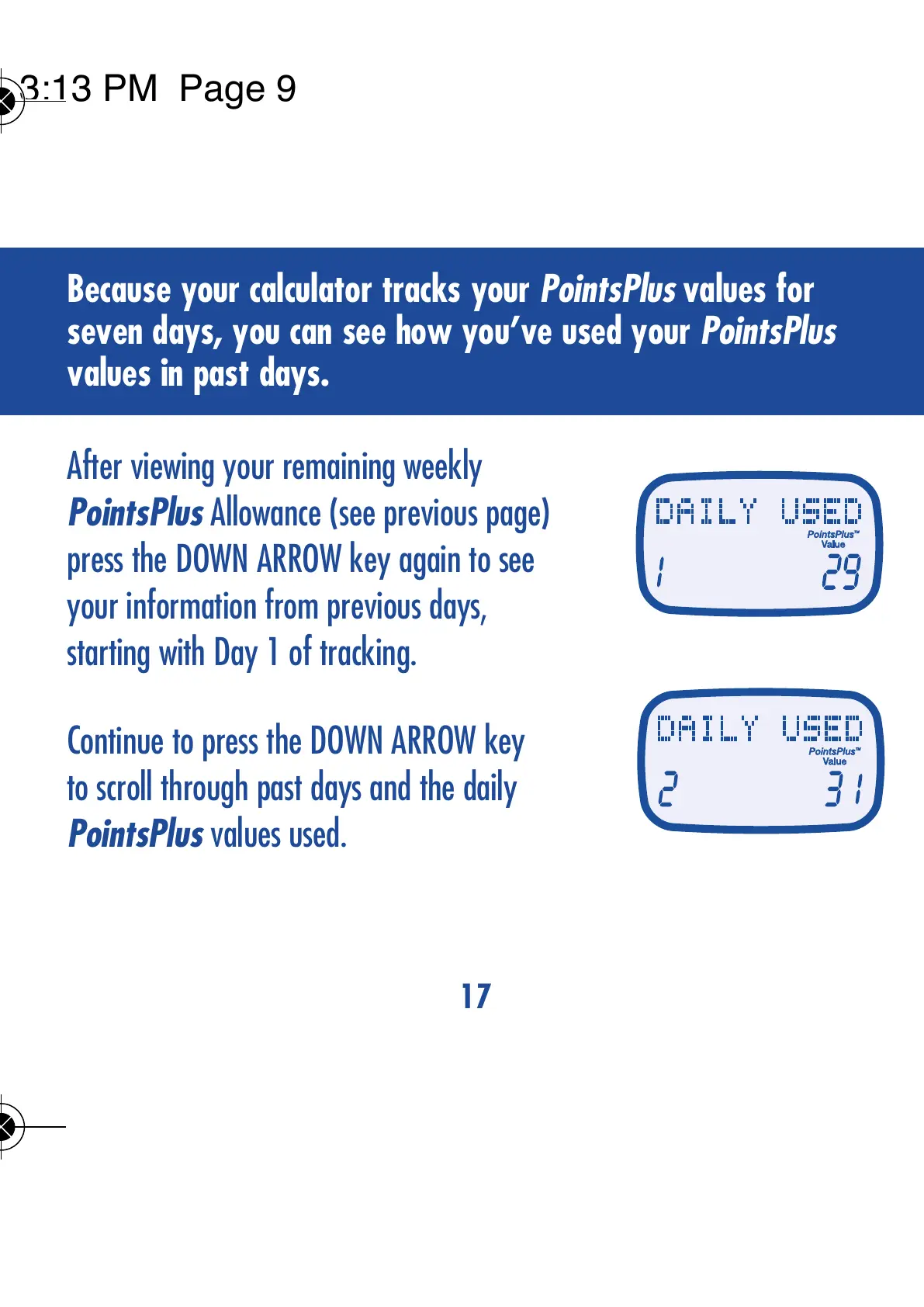
After viewing your remaining weekly
PointsPlus Allowance (see previous page)
press the DOWN ARROW key again to see
your information from previous days,
starting with Day 1 of tracking.
Continue to press the DOWN ARROW key
to scroll through past days and the daily
PointsPlus values used.
17
VIEWING YOUR DAILY PointsPlus
TM
TARGET
AND WEEKLY PointsPlus ALLOWANCE



 To Next Page