5
We inserted a clear plastic tab to keep your battery fresh. To activate
your calculator, just pull out the tab. Press the ON key to get started.
While it’s best to set up the calculator with your personal information
(see page 6), you can calculate PointsPlus values right away. Be sure
you have the nutrition information for the foods you are entering
handy.
Here’s how to get started:
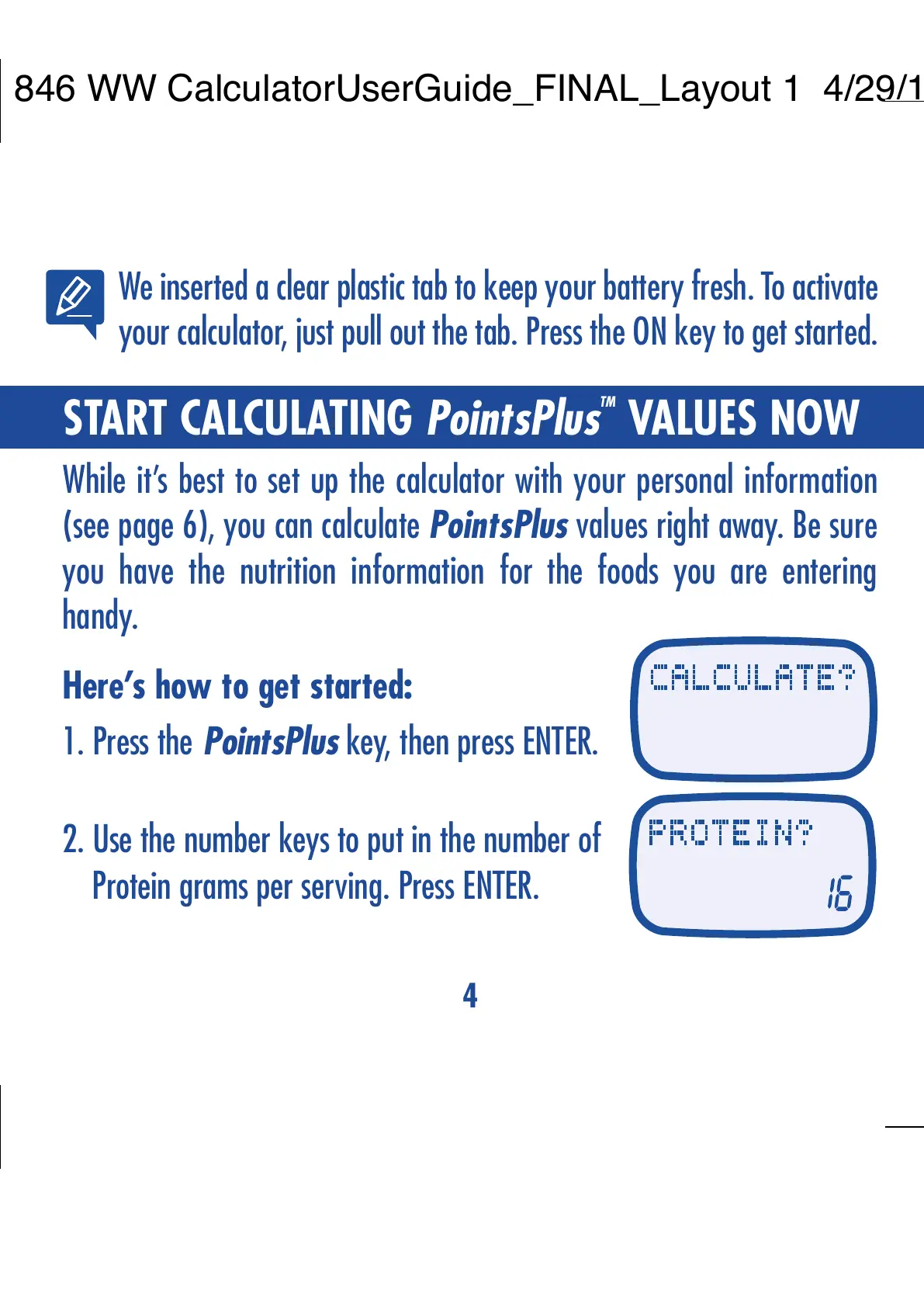
1. Press the PointsPlus key, then press ENTER.
2. Use the number keys to put in the number of
Protein grams per serving. Press ENTER.
3. Do the same to put in the number of Total
Carbohydrate grams per serving. Press ENTER.
4. Put in the Total Fat grams per serving.
Press ENTER.
5. Finally, put in the Dietary Fiber grams
per serving. Press ENTER.
The PointsPlus value for one serving
of that food will be shown.
4
START CALCULATING PointsPlus
TM
VALUES NOW



 To Next Page