EasyManua.ls Logo

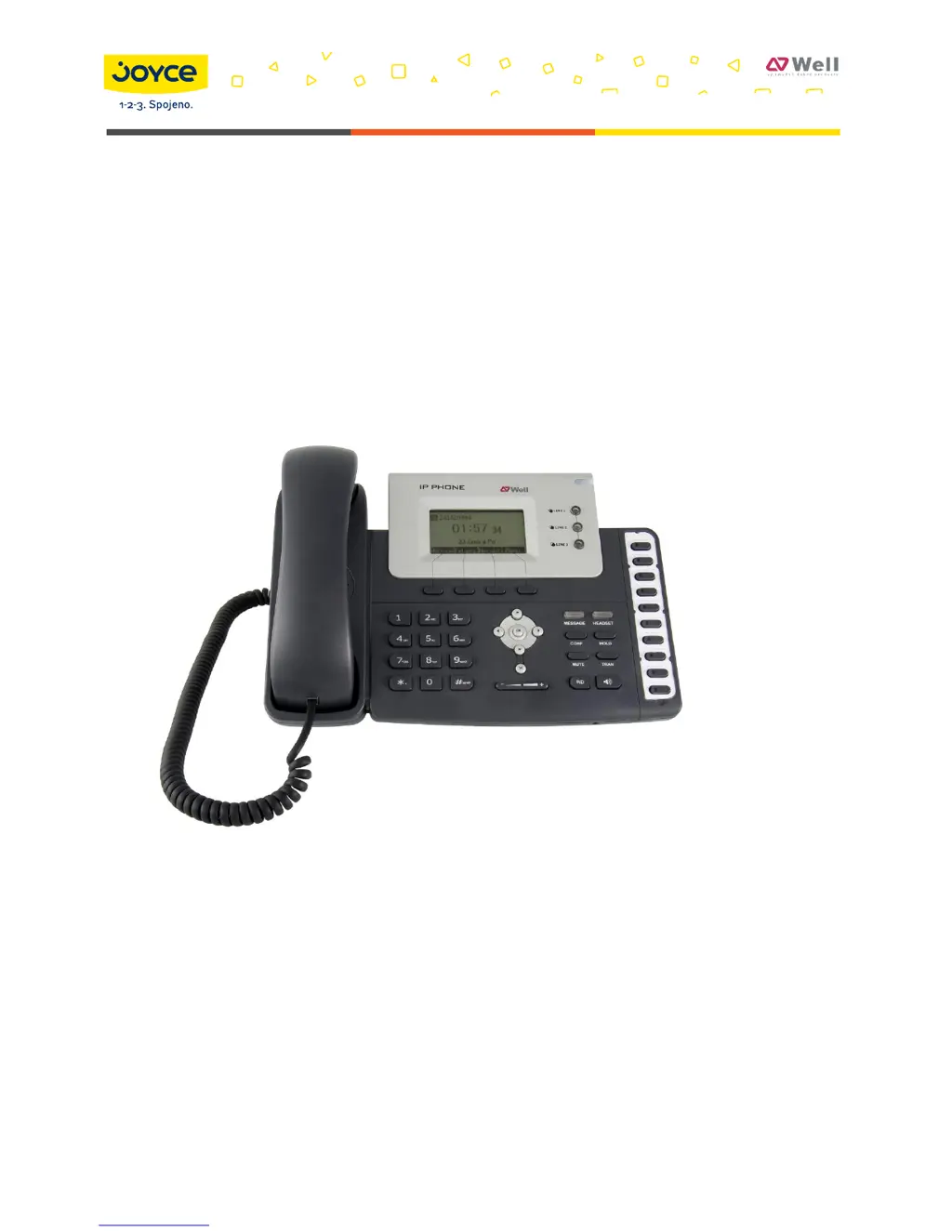
Well SIP-T26P - User Manual

Default Icon
107 pages
Print Icon
To Next Page IconTo Next Page
Loading...
JOYCE ČR, s.r.o., Venhudova 6, 614 00 Brno, ČR, IČ: 25317571, DIČ: CZ25317571, Tel.: +420 539 088 010
Fax: +420 539 088 000, E-mail: joyce@joyce.cz, Web: www.joyce.cz, www.joyce-energie.cz
Released for firmware versions V61
WELL SIP-T26P User manual

Table of Contents

Questions and Answers

  • A
    Anthony MoralesAug 14, 2025
    Why can't I register my Well SIP-T26P to the server?
    • M
      Martha FergusonAug 14, 2025
      If you can't register your Well IP Phone to the server, first check the IP address, ensuring your DHCP server is active if you're using DHCP mode for your WAN port. Also, verify your gateway and DNS server settings. Confirm that your account details match what your ISP provided. Check if the SIP server is running and that the SIP register port is set to the default value of 5060.
  • A
    Antonio LawsonAug 18, 2025
    How to update firmware on Well SIP-T26P?
    • A
      Angela DeckerAug 18, 2025
      To update the firmware on your Well IP Phone, access the phone's webpage and navigate to the Upgrade section. Locate the 'Select and Upgrade Firmware' option at the bottom of the page. Choose the firmware file for the update, and then click the Upgrade button.
  • K
    Kayla ArellanoAug 21, 2025
    What to do if Well IP Phone can't get IP address?
    • K
      kaitlynrodriguezAug 21, 2025
      If you're experiencing issues with your Well IP Phone not getting an IP address, ensure the Ethernet cable is connected to the WAN port. Also, verify that the DHCP server is enabled and has available IP addresses. As an alternative, try configuring your WAN port to static IP client mode.
  • M
    Mr. Daniel Foster MDAug 25, 2025
    Why can't I hear voice on my Well IP Phone during a call?
    • R
      robinsonteresaAug 26, 2025
      If you can't hear any voice during a call on your Well IP Phone, first ensure that the handset is securely connected to the phone. Check if you've accidentally muted the conversation. If the issue persists, consult your ITSP for outbound server details.
  • W
    Whitney Grant DVMAug 28, 2025
    Well IP Phone: what causes DTMF problem?
    • M
      Michael GibsonAug 28, 2025
      If you are having DTMF problems with your Well IP Phone, verify the type of DTMF being used and its compatibility with the server. Consult your ITSP regarding the payload value.
  • R
    Rebecca JohnsonAug 31, 2025
    How to change the time on Well SIP-T26P?
    • M
      Mary OconnorAug 31, 2025
      To change the time on your Well IP Phone, select the time zone or manually enter the time information via the phone's webpage or directly on the phone itself.
  • V
    Valerie StokesSep 3, 2025
    How to answer incoming calls during a call on Well SIP-T26P IP Phone?
    • B
      Brian Miller PhDSep 3, 2025
      If you receive a call while already in a conversation on your Well IP Phone, you can press the Answer hot key to answer the incoming call. Alternatively, you can press the Reject hot key to decline the call.
  • J
    Jennifer PatrickSep 7, 2025
    How to refuse incoming calls during a call on Well SIP-T26P?
    • A
      ablackSep 7, 2025
      To refuse incoming calls during a call on your Well IP Phone, disable the call waiting function. This will cause your phone to automatically reject all incoming calls while you are already engaged in a conversation.
  • R
    Rachel LeeSep 10, 2025
    What happens if I use the wrong firmware for Well SIP-T26P?
    • R
      Ryan GarrettSep 12, 2025
      To prevent issues when updating the firmware of your Well IP Phone, ensure that the firmware file you select is provided by your service provider. Using firmware from other sources may cause the device to crash after the update.

Well SIP-T26P Specifications

General IconGeneral
SpeakerphoneYes
HD AudioYes
Operating Humidity10% to 90% (non-condensing)
Audio CodecsG.722
Network10/100 Mbps Ethernet ports
Power over EthernetYes
Headset JackYes
ProtocolsSIP, RTP, RTCP
Ethernet Ports2
Power SupplyAC 100~240V
Supported LanguagesEnglish, French, German, Italian, Spanish, Portuguese, Russian, Chinese
Operating Temperature0 to 40 °C

Related product manuals