Postmate 3 User’s Manual
- 10 -
5. Tighten back the green knobs on both paper guides.
6. Once loading is complete, please close the safety cover. The feed tray will go
up.
Caution
- Poor quality forms may cause frequent paper jams.
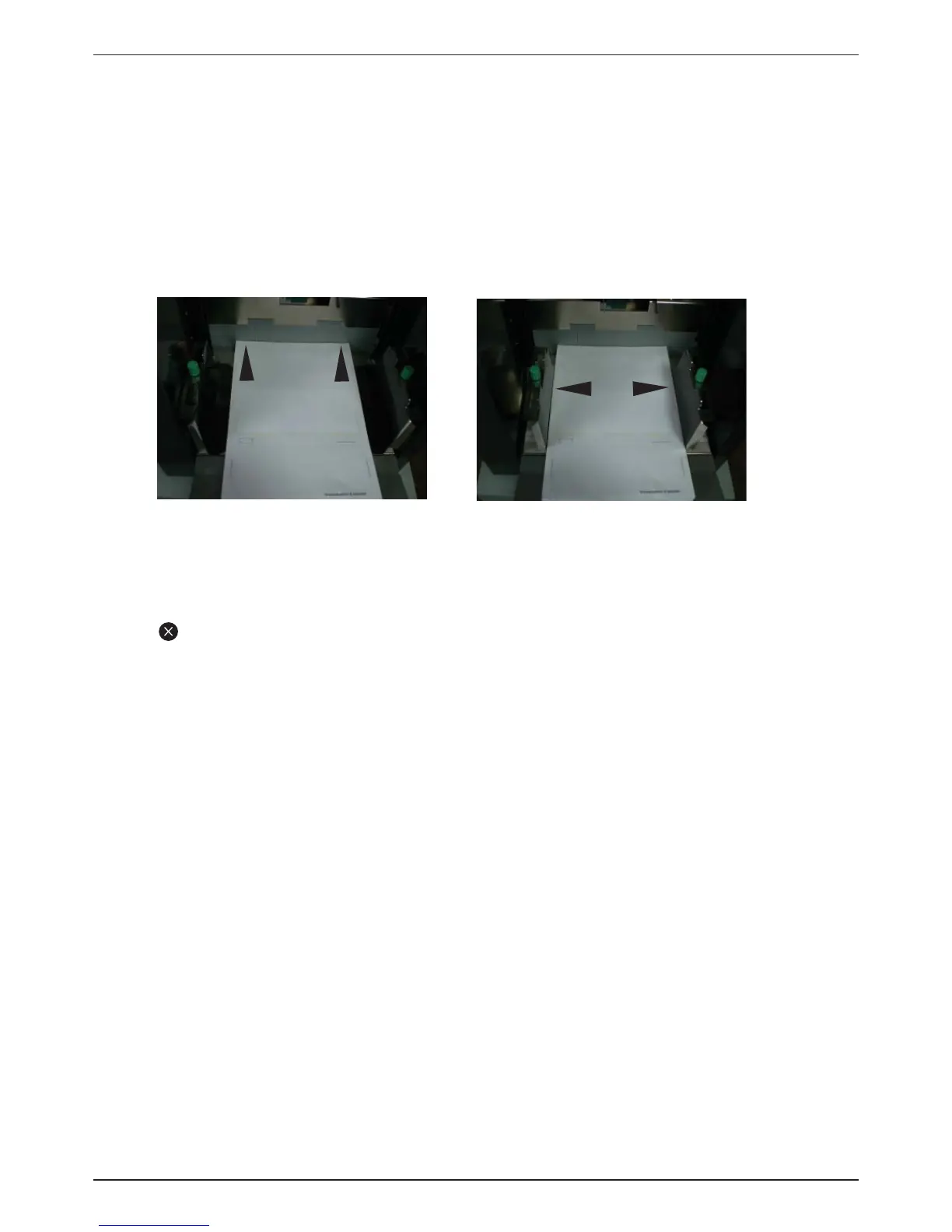
- Make sure the paper guides are not set narrower or wider than the width of
the paper.
2. Open the safety cover of the feeding unit. The tray will go down.
3. When the feed tray is down to the bottom, loosen the green knobs on both paper
guides.
4. Load the aligned forms onto the feed tray and adjust the paper guides so they
are gently covering the sides of the stacked forms.
Good
Bad


 To Next Page