Turn the temperature knob anti-clockwise to lower the set temperature.
The minimum temperature for cooling mode is 17 ℃, and for heating
mode 15 ℃.
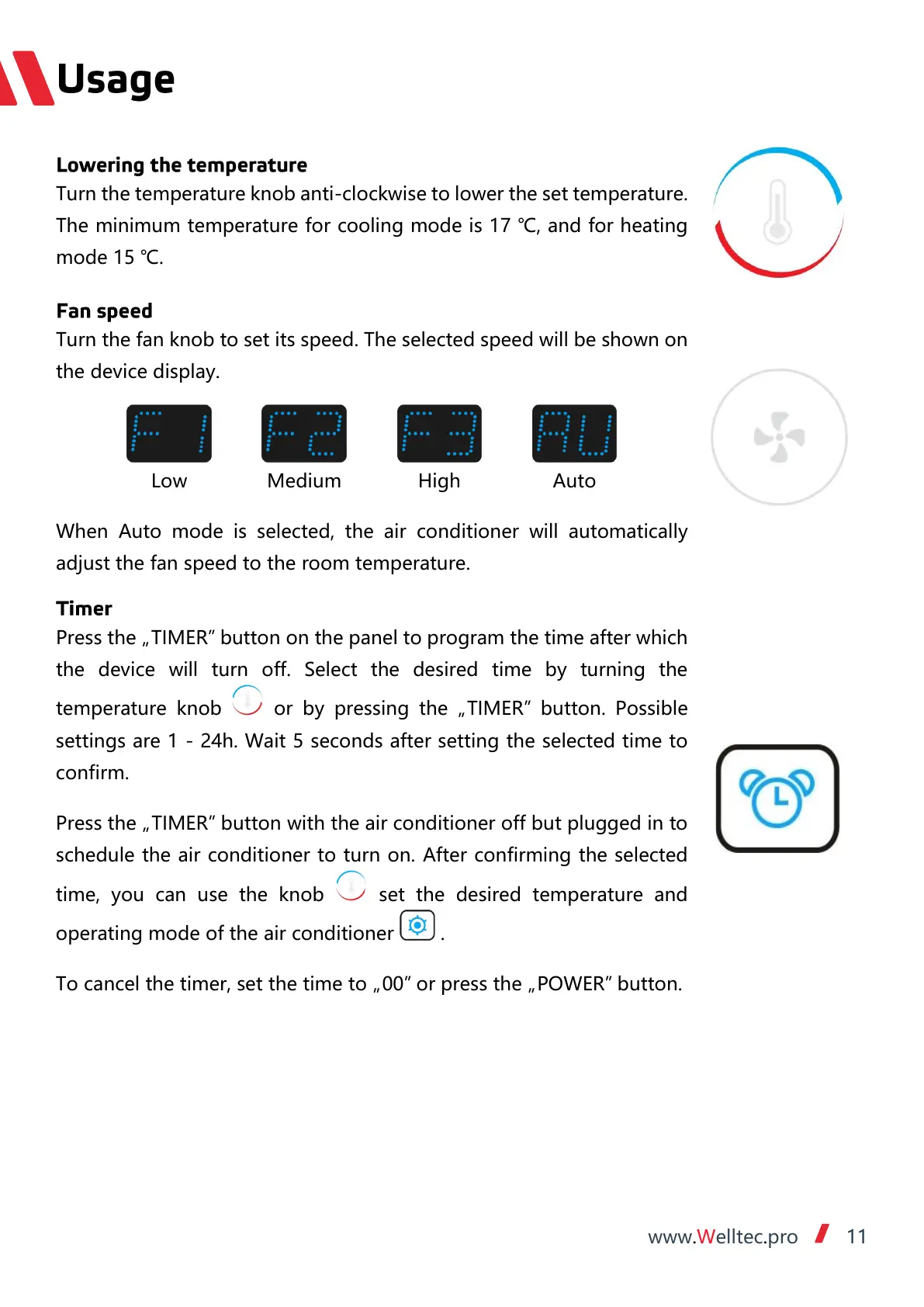
When Auto mode is selected, the air conditioner will automatically
adjust the fan speed to the room temperature.
Press the „TIMER” button on the panel to program the time after which
the device will turn off. Select the desired time by turning the
temperature knob or by pressing the „TIMER” button. Possible
settings are 1 - 24h. Wait 5 seconds after setting the selected time to
confirm.
Press the „TIMER” button with the air conditioner off but plugged in to
schedule the air conditioner to turn on. After confirming the selected
time, you can use the knob set the desired temperature and
operating mode of the air conditioner .
To cancel the timer, set the time to „00” or press the „POWER” button.


 To Next Page
 Loading...