EasyManua.ls Logo

Wellue VisualBeat - Troubleshooting

Default Icon
82 pages
Print Icon
To Next Page IconTo Next Page
To Previous Page IconTo Previous Page
Loading...
12
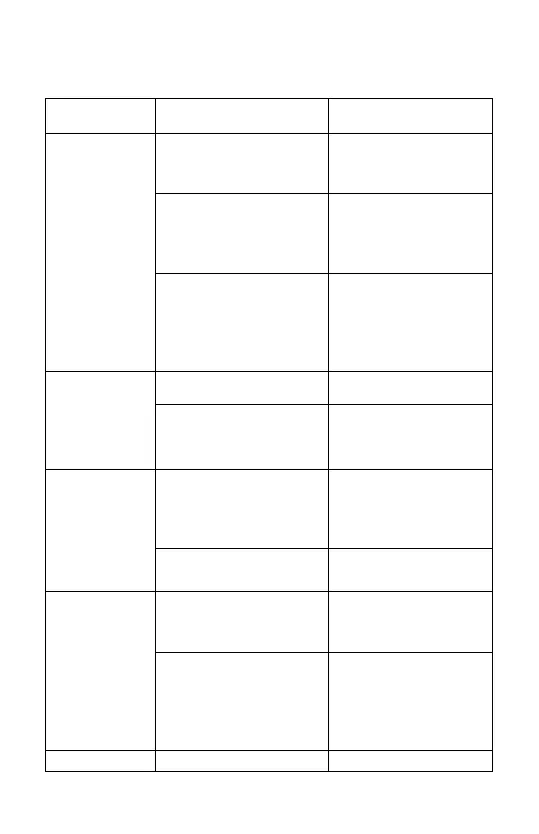
5. Troubleshooting
Problem
Possible Cause
Solution
The monitor
does not
connect
with the
app.
Your smart device is
not compatible.
Check whether your
smart device is
compatible.
The distance
between the monitor
and your smart
device is too great.
Keep your smart
device near the
monitor.
The monitor is
connected to another
device.
Check the other
smart devices
around you and
turn off their
Bluetooth settings.
The device
cannot
perform
normal
acquisitions.
The battery is low.
Charge the device
The equipment is
damaged.
Contact your local
retailer
Abnormal
heart rate
readings.
Poor contact
between the skin and
the monitor
electrodes.
Moisten the
electrode areas on
the monitor.
The chest strap is
loose.
Tighten the chest
strap.
ECG
waveform is
disordered,
and
significantly
cluttered.
Measurement
method is incorrect.
Refer to the manual
and ensure you're
wearing it properly.
Poor contact with
ECG electrodes.
Please clean the
ECG electrode
according to the
method described
in the manual.
The ECG
Hand or body may
Try to keep your

Table of Contents