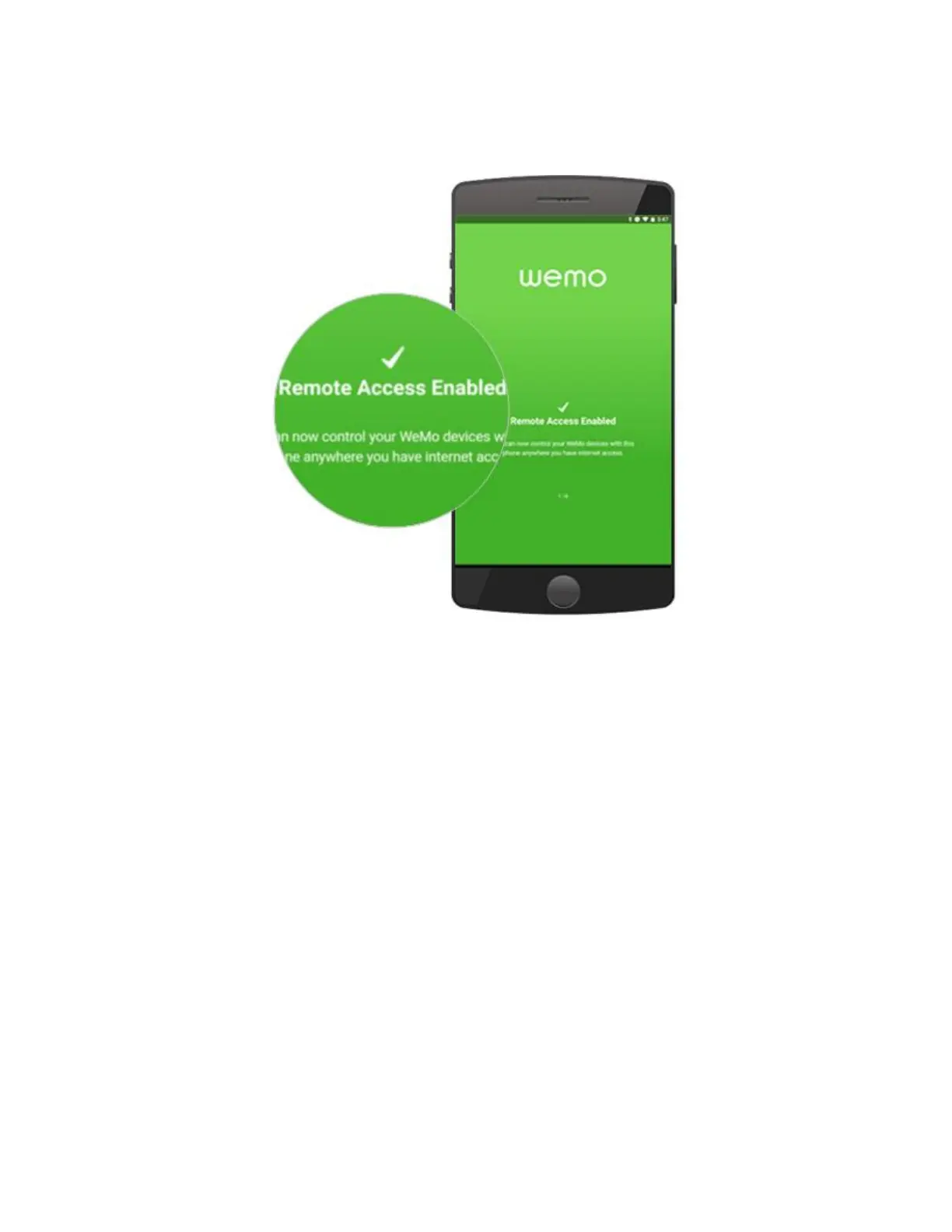
It will then say that it’s attempting to set up remote access. Once the setup is complete,
it will prompt you that Remote Access has been enabled. Tap OK.
Step 7: You will then be directed to a window where you will be shown the settings of
your Wemo device. You may edit the Name, Picture, and Email of your Wemo device
in this window. Once finished, tap Save.
You will then be directed to the Wemo App Home with your Wemo device in the
list. For easy identification, you may customize the settings of your Wemo device. Just
tap the pencil icon to modify.


 To Next Page