37
OPERATION
The TOPITEC
®
TOUCH mixing system is operated via a touch screen, which features a number
of icons and function buttons. The navigation buttons are displayed at the bottom of the screen,
while the other function buttons are displayed in the top section of the screen, depending on
the selected menu and operating sequence.
To press the buttons, etc., always use the supplied touch pen.
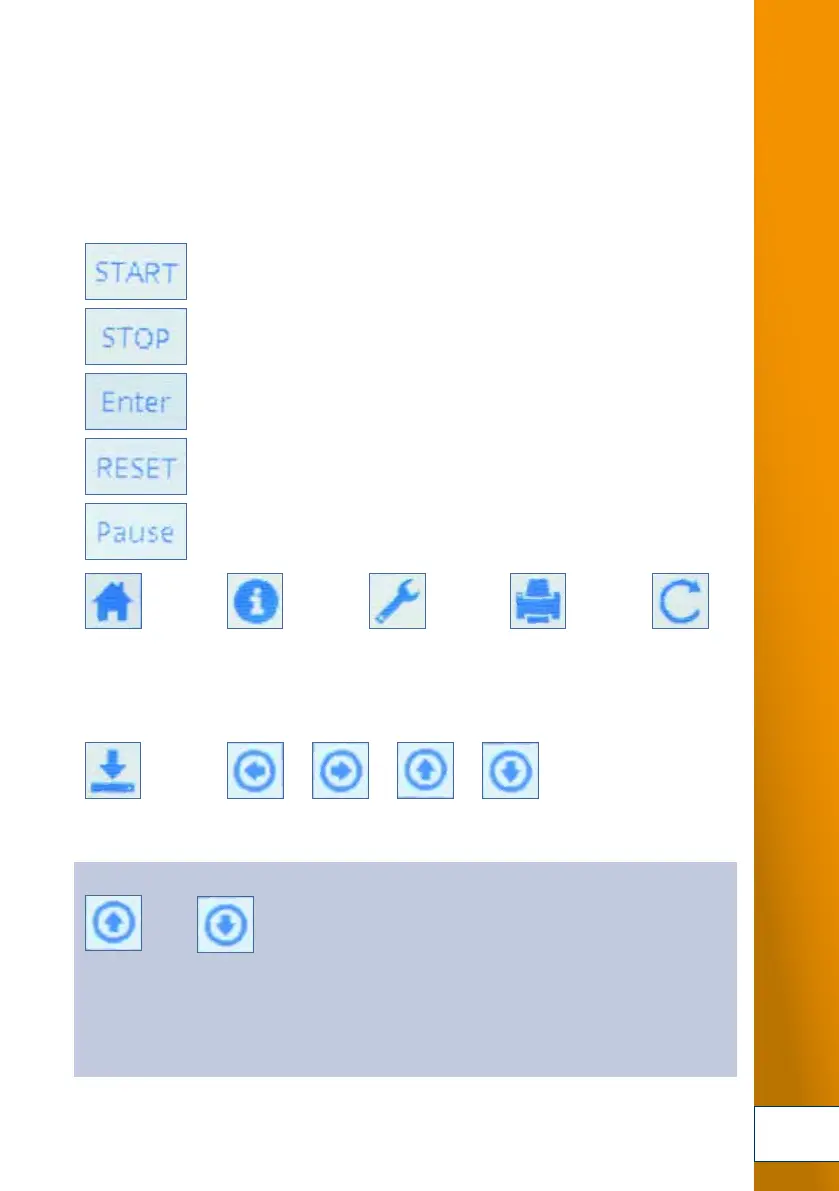
Start process
Instant stop of process (STOP!);
during data input: return to start menu
Confirm entry / processing step
Reset value to default settings
(only in modes: own formulations, powder mixing)
Increase / reduce entered values:
increase reduce
To the Start menu Info Service Menu Print function Production
back
request for serial number
repeat
Software version
Menu Navigate through menus with:
Own previous next up down
Favourites
entered values
Minute settings:
in steps of 0:10 minutes
up to max. 99:50 minutes
RPM settings:
from 300 to 1000 in steps of 100
from 1,500 to 4000 in steps of 500


 To Next Page
 Loading...