50
TOPITEC
®
TOUCH User Manual | 11-2020
5. Enter the system parameters. in our example:
500 g anionic hydrophilic cream DAB (for more information, see formulation handbook)
Production of multi-step formulation
System settings:
1. step 1 : 00 minutes : 300 rpm
2. step 5 : 00 minutes : 1500 rpm
3. step 10 : 00 minutes : 300 rpm
Entered values
Minute settings: RPM settings:
in steps of 0:10 minutes from 300 to 1000 in steps of 100
to max. 99:50 minutes from 1500 to 4000 in steps of 500
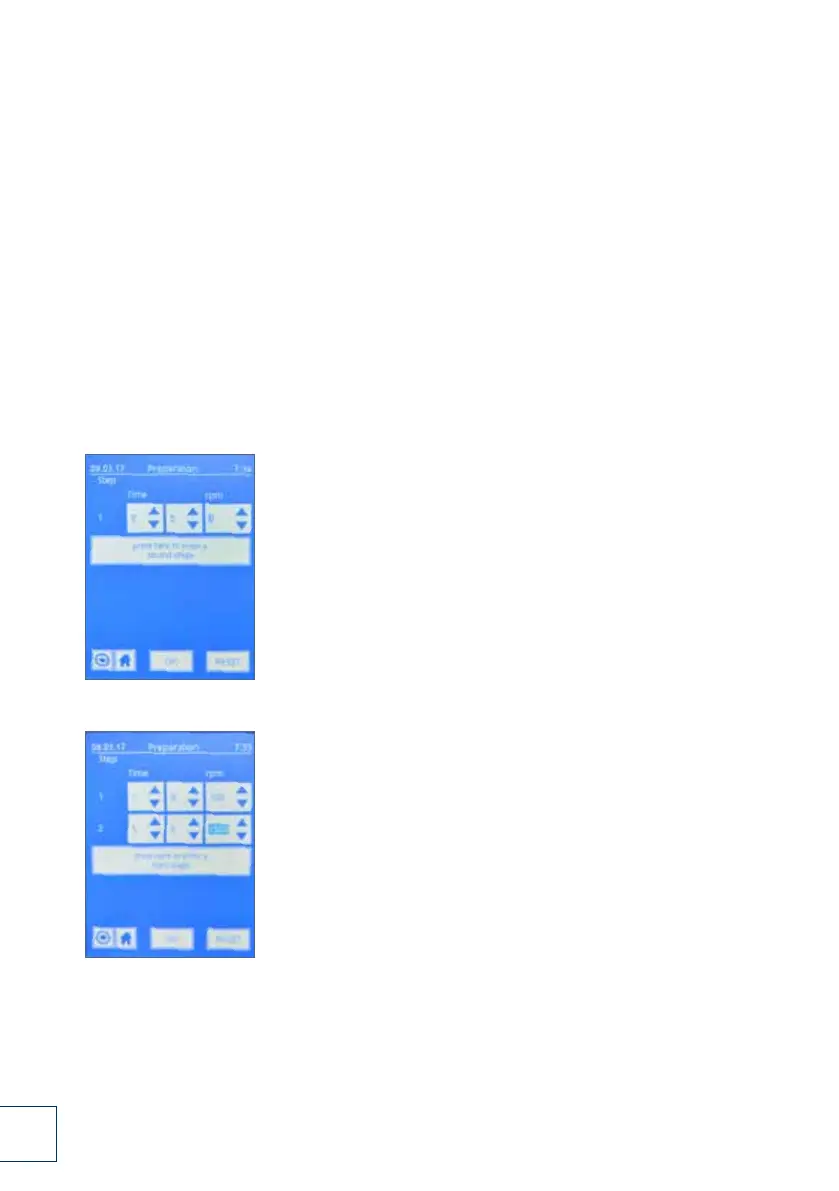
5.1. Enter the time [ min:sec ] and [ rpm ],
e.g. 1st. step 1 : 00 minute : 300 rpm
Entry [ 1:00 ] [ 300 ]
Confirm with "Press here to enter parameters for 2nd step".
5.2. Parameter entry for 2nd step
e.g. 2nd step 5 : 00 minutes : 1500 rpm
Entry [ 5:00 ] [ 1500 ]
Conform with "Press here to enter parameters for 3rd step".
5.1.
5.2.


 To Next Page
 Loading...