55
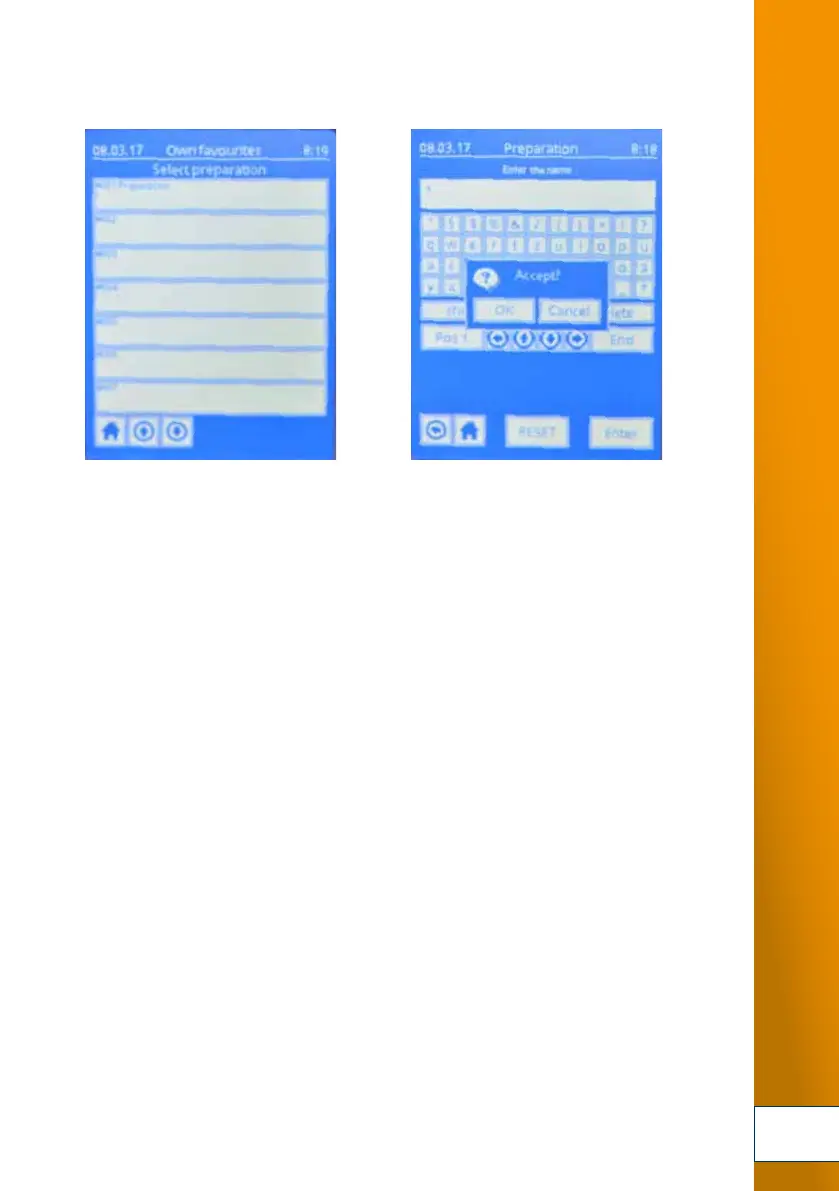
2. Select a 3. Confirm with
free slot. Confirm your slot with “overwrite – OK”.
The entered production process is now saved in the TOPITEC
®
TOUCH.
It can now be called up quickly at any time from your own favourite formulations.
4. The saved formulations can be called up in the start menu by pressing "Own favourites".
Confirm that you wish to use the selected formulation by pressing the "Apply" button.
FUNCTION



 To Next Page