61
8.1.2 Connection to PC
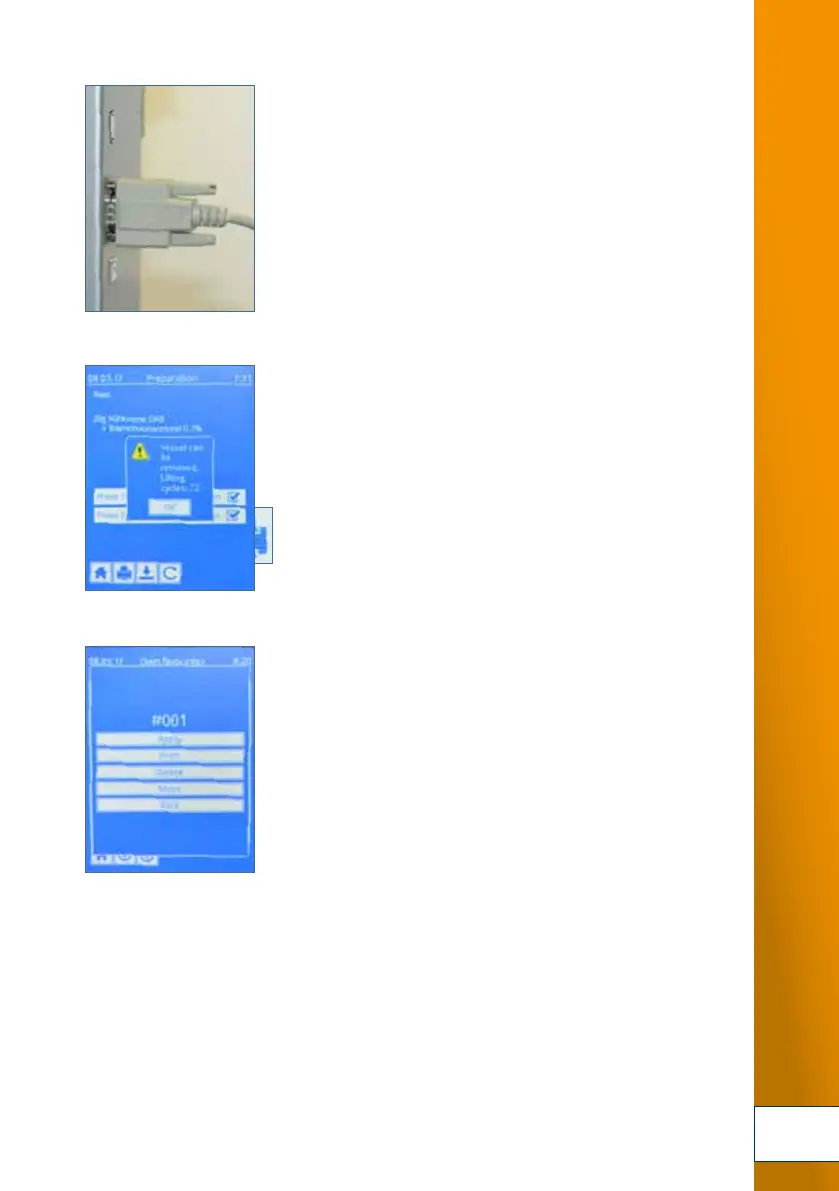
1. For networked documentation of the preparations and production runs or for triggering the
TOPITEC
®
TOUCH, it is possible to integrate the device into the formulation and laboratory
programme LabXpert by means of the USB-A port and the apotec
®
connect. You can find
detailed information about this advanced connection at labxpert.de
4. The printer should be connected before you start the
TOPITEC
®
TOUCH.
Ensure that all adapters are properly inserted in the ports.
5. At the TOPITEC
®
TOUCH, press the "Print" button in the
various menus to print the related production data.
6. You can for example print out the system parameters
by pressing the "Print" button
in the menu shown here.
4.
6.
5.
Fig. 8-2 Connection to PC (page 63)
CONNECTION OF PERIPHERALS


 To Next Page
 Loading...