63
DSC_0232.JPG
DSC_0234.JPG
DSC_0233.JPG
DSC_0235.JPG
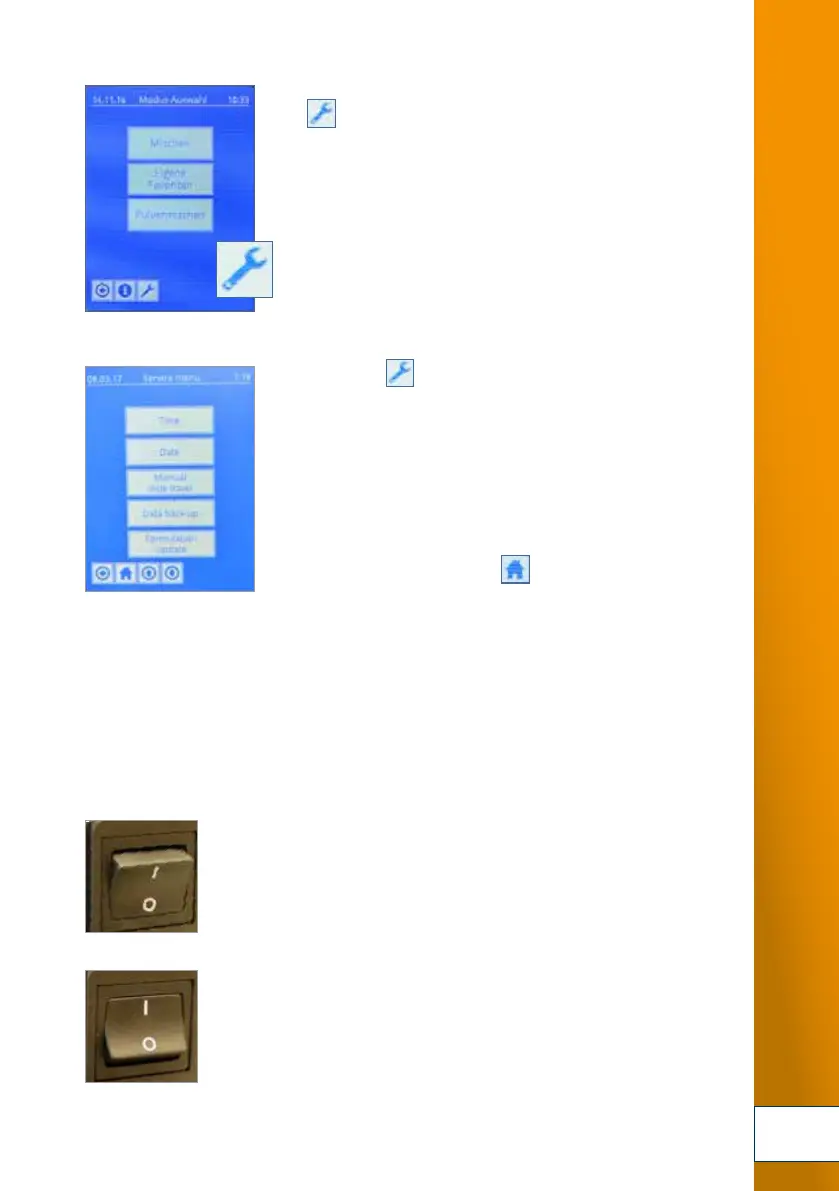
5. Switch on your mixing system. After the system has booted, the
[ ] button is displayed in the footer of the touch screen.
6. PRESS THE [ ] button. The system indicates that
the memory module has been correctly connected: message
[READY FOR DATA BACKUP] is displayed.
Press the [DATA BACKUP] button.
Then press the [SAVE FAVOURITES]. When prompted to confirm,
do so by pressing [ YES ]. The data is automatically transferred
to the memory module.
After the data transfer is completed, the service menu is
displayed again. PRESS THE [ ] button to return to the
start menu.
The memory module can be removed. Alternatively, you can
leave it connected to the device.
In this case, you can back up the [OWN FAVOURITES] whenever
you wish to do so, or restore them from the memory module to
the TOPITEC
®
TOUCH when the need arises.
To disconnect the external memory module safely:
7. Switch off the TOPITEC
®
TOUCH with the main switch at the
rear of the device.
Disconnect the memory module from the port.
8. The system can now be restarted
for production, etc.
CONNECTION OF PERIPHERALS
5.
6.
7.
8.


 To Next Page
 Loading...